Let people wait for the counter somewhere other than the lobby.
At eight in the morning the lobby fills, everyone takes a paper ticket, and nobody dares leave in case their number is called. It doesn't have to work like that. Five principles for letting people wait somewhere better, without losing anyone who doesn't carry a smartphone.
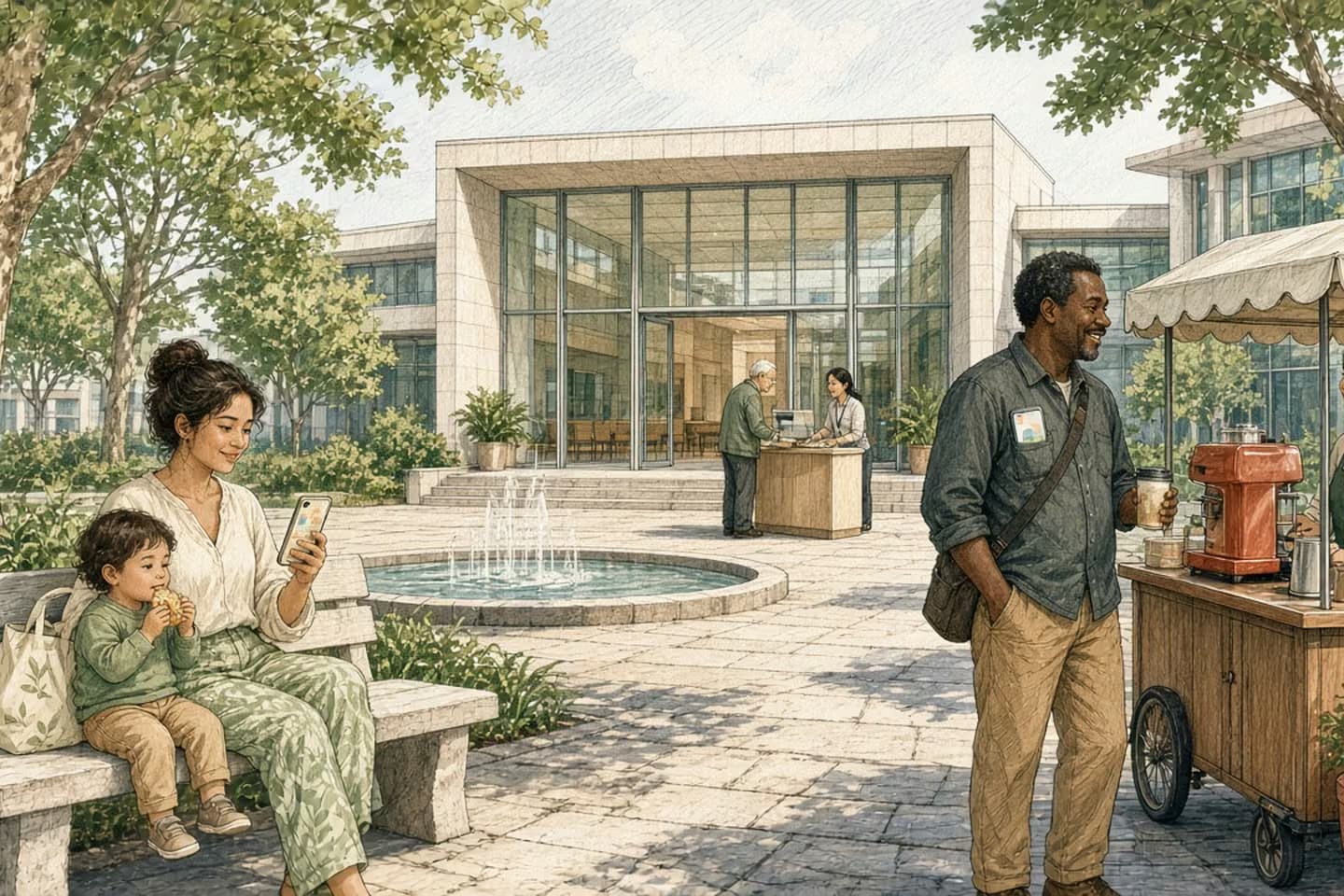
A public office can let people join the line, then wait wherever they like and get a text or call when they're close to the front. To make that work, show each person an honest position and a time range rather than a promise, hold their place for a short grace period if they're a few minutes late, check they have the right documents and the right office before they reach the counter, keep a staffed way to join for people without phones or who need help, and give staff the same view of the line so they can move people and explain delays.
The lobby at eight in the morning
Picture a licensing office on a Monday. The doors open at eight, and by five past there's a line out to the parking lot. Everyone takes a paper ticket. The screen shows a number that doesn't seem to move. A woman with a toddler wants to step outside for some air but doesn't dare. A man in work clothes has been told by his foreman to be back by ten and is doing the math. Someone near the front realizes, after forty minutes, that they needed a different form, from a different office.
The staff behind the counter aren't the problem. Most of them are working as fast as they can, and they hear about the wait all day.
Waiting isn't the worst part of a public office. Not knowing is. Not knowing how long, not knowing whether you're in the right place, and not being able to leave. A good virtual queue fixes the not-knowing, and lets people do their waiting somewhere better than a plastic chair.
These are the five principles we'd hold to when designing one.
One: tell people where they are, honestly
The moment someone joins the line, at a kiosk, a desk, a website or by text, they should get a clear message: you're in line for this service, here's your place, and here's roughly how long it's likely to be.
"Roughly" matters. Give a range, not a promise. Lines move unevenly: one visit takes two minutes, the next takes twenty. A range that's honest builds trust. A precise time that's wrong destroys it.
Update people as things change. If a window closes or a complicated case ties up a clerk, tell the people waiting, in plain words, before they start wondering. A simple "we're running slower than usual this morning" is better than a number that stops moving.
How the work moves
A visit, with the waiting moved out of the lobby
- Join the line
Kiosk, desk, website or text; choose the service.
- See what to bring
Documents, forms and fees; told now if it's the wrong office.
- Wait anywhere
Honest place in line and a time range, updated.
- Get called back
Alert with enough notice; a grace period if a little late.
- At the counter
Staff already know what the visit is for.
Waiting isn't the worst part of a public office. Not knowing is.
Two: let them leave and come back
The whole point is that people don't have to sit in the lobby. Let them go get coffee, wait in the car, or stay at work until they're close.
That means sending a message when they're near the front, with enough notice to get back. Ask people how far away they'll be, or simply let them choose when to be alerted.
Use whatever reaches people reliably. For most, that's a text message, not an app they'd have to download for one visit. Some people will prefer a phone call. A few will want to stay in the lobby anyway, and that's fine: the screen there should show the same line, so nobody who stayed is at a disadvantage. Whatever channel you use, the message should say which service, which window and how long they have, in a sentence anyone can read at a glance.
And it means being kind about lateness. If someone's turn comes and they're three minutes away, hold their place for a short grace period, or move them back a few spots rather than to the end of the line. Write that rule down and tell people about it. A queue that punishes people for trusting it won't be trusted twice.
Three: check they're ready before they reach the counter
Part of every clerk's day goes on visits that can't be finished: the wrong document, a missing signature, the wrong office entirely. A virtual queue is a chance to catch that early.
When someone joins, ask what they're here for and show them exactly what they'll need: which documents, which forms, which fees and how they can pay. If the service is handled somewhere else, say so now, not after an hour's wait. If something can be done online instead, offer it, without making it the only option.
This is the same idea we wrote about in putting the service online, not just the PDF: the form is only part of the service. The rest is everything a person needs to know before they hand it over.
Four and five: keep a door open, and let staff see the line
Keep a door open. Not everyone has a smartphone, a data plan, or the confidence to use one. Some people need help in another language, or need someone to read the screen for them. A virtual queue should never be the only way in. Keep a staffed desk or a simple kiosk where anyone can join, with the same place in line as everyone else, and a way to be called by name or on a screen in the lobby rather than by text. Make the messages short, plain and available in the languages your community uses, and make sure screens and kiosks work with assistive technology.
Let staff see the same line. The people at the counter should see who's waiting, for what, and for how long, on one screen. They should be able to move someone to the right service, open another window when the line grows, and pause or send a message to everyone when something goes wrong. A queue that only the public can see turns staff into the last people to know.
Over time, that same view gives managers something they rarely have: a clear picture of when the office is busiest, which services take longest, and how often people are turned away for missing documents. That's the information you need to staff the counter well, and it comes from the work itself rather than a survey.
Decision guide
Paper ticket vs. wait anywhere
| Consideration | Take a ticket and sit | Join the line, wait anywhere |
|---|---|---|
| Knowing how long | A number on a screen. | Place in line and an honest range. |
| Stepping out | Risk missing your turn. | Alert when you're close. |
| Wrong documents | Found out at the counter. | Told when you join. |
| No smartphone | Same as everyone else. | Same place in line from the desk or kiosk. |
| Staff view | The lobby, by eye. | Who's waiting, for what, and for how long. |
Try it on one service first
You don't need to change every service at once. Pick the one with the longest lobby wait and the most "wrong document" visits, and try it there for a few weeks.
Before you buy or build anything, spend a morning in the lobby. Count how many people leave without being served, ask a few why, and listen to what staff explain over and over. That list becomes your readiness check and your first set of messages. Then decide your rules: how alerts work, the grace period, and how walk-ins join.
Our note on the "where is my application?" calls covers what happens after the visit, when the request is in progress and people want to know where it stands.
We work with government and public sector teams to bring engineering close to the people delivering the service, so a request feels easier from the moment someone arrives. If your lobby is full by five past eight, let's talk about it.
Related work: Wellthie.
We build alongside the people doing the work.
Bring us the problem you’re thinking about.