Keep the Google button. Just don't make it the only way in.
Proton's "Don't sign in with Google" campaign is aimed at consumers, and it's back in people's feeds. If you own an app, the better question is what happens to a customer whose Google account stops working tomorrow.
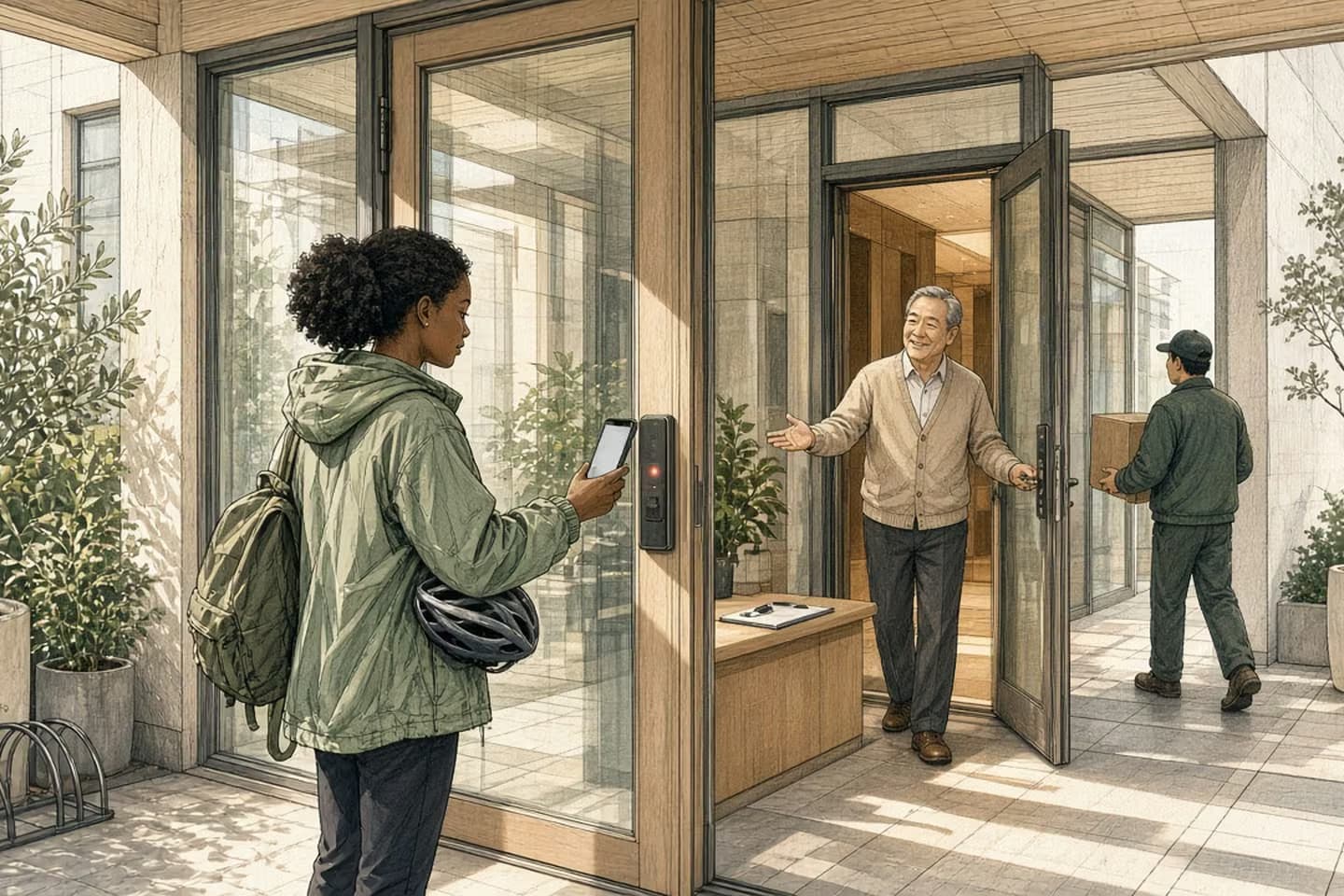
Offering Sign in with Google is usually a good idea: it's quick for customers and saves them another password. The risk comes when it's the only way in. If a customer's Google account is locked, hijacked or deleted with a job, they lose your app too. Let people add a second sign-in method, such as an email login or a passkey, store your own user record keyed on Google's stable account ID rather than the email address, offer a recovery path a person can actually complete, and listen for Google's account security events so you can act when one of your users' accounts is compromised.
A consumer campaign with a question for app owners
Proton Mail has been telling people "Don't sign in with Google" since May, in capital letters, repeated for effect. The post went everywhere, and this week it's circulating again. Proton's argument is aimed at individuals: one Google account becomes the key to dozens of other services, and Google gets a record of where you sign in.
You can agree or disagree with that as a consumer. But if you own a web or mobile app with a "Continue with Google" button, the campaign raises a more practical question, and it has nothing to do with Proton's business: what happens to one of your customers if their Google account stops working tomorrow?
For a lot of apps, the honest answer is that the customer is locked out, and so is their order history, their saved work or their subscription. Let's take both sides fairly before getting to what we'd actually do.
The case for the Google button
There are good reasons this button is everywhere.
It's fast. Someone can create an account in two taps without inventing a password, which matters most at the exact moment they're deciding whether your product is worth the trouble.
It's often more secure than what people would do otherwise. A customer who signs in with Google gets whatever protection their Google account has, including two-step verification if they've turned it on. The alternative, for many people, is a reused password that's already in a breach somewhere.
It cuts support. Fewer passwords means fewer "I forgot my password" tickets and fewer reset emails landing in spam.
And it gives you a verified email address on day one. For most apps, that's a real benefit. We'd keep the button in almost every case.
The same goes for Apple's button on iPhone apps, or Microsoft's for apps sold to companies. Everything in this note applies to them too. Google just happens to be the one in the headlines this week, and the one most of your customers are likely to pick.
A sign-in button is a convenience. Being the only way in makes it a dependency.
The case against making it the only way in
The trouble starts when Google is the only door.
Accounts get locked. People lose their phones, fail a recovery check, or get flagged by an automated system they can't reach a person about. Accounts also get hijacked, and an attacker with someone's Google account has a straight path into every app that trusts it.
Work accounts disappear. If a customer signed up with their company Google account and then changed jobs, that account is usually deleted. They still want your app. They just can't get to it.
Some customers don't want to use it, for exactly the privacy reasons Proton is pushing. Forcing them to is a small but real reason to leave at sign-up.
And it ties your user records to someone else's decisions. If your system identifies users by their Google email address, an address change or a merged account can quietly create duplicates or orphans.
A sign-in button is a convenience. Being the only way in makes it a dependency.
Decision guide
Google only vs. Google plus a second door
| Consideration | Google is the only sign-in | Google plus a second method |
|---|---|---|
| Google account locked | Customer locked out of your app too. | Customer signs in with email or a passkey. |
| Work account deleted after a job change | History and subscription stranded. | Customer moves to their other method. |
| Privacy-minded customer | May leave at sign-up. | Chooses the other method. |
| Google account hijacked | Attacker gets in; little you can do. | Pause Google sign-in for that user; they use the other method. |
What Google itself suggests
It's worth knowing that Google expects some of this. Its developer documentation for a service called Cross-Account Protection describes security events Google can send to apps that use Sign in with Google: for example, when a user's Google account has been disabled, perhaps because it was hijacked, or when their sign-in tokens have been revoked.
The suggested responses are telling. For a disabled account, Google suggests ending the user's open sessions, turning off Google sign-in and email-based recovery for that user, and offering an alternate sign-in method. When tokens are revoked, it says you may want to suggest the user set up an alternate sign-in method.
In other words, the provider of the button recommends having a second door. One caveat from the same page: these events aren't currently sent for Google Workspace accounts, which are exactly the company accounts most likely to vanish when someone leaves a job.
How the work moves
When Google says a user's account was disabled
- Receive and verify the event
Check it really came from Google and is meant for your app.
- End the user's open sessions
Especially if the reason given is hijacking.
- Pause Google sign-in and email recovery
For that user only, until the account is re-enabled.
- Offer the second method
Email login, passkey, or a supported recovery path.
- Log it for support
So the person who answers the ticket knows what happened.
The middle path
Here's what we'd build into most apps:
- Let people add a second way in. After someone signs up with Google, offer to add an email login or a passkey from their account settings. Make it optional, and make it easy.
- Identify users by their own record. Store your own user ID and Google's stable account identifier, not just the email address. Treat the email as contact information that can change.
- Link accounts carefully. If someone who signed up with email later clicks the Google button with the same verified address, decide on purpose whether to link or ask, rather than creating a second account by accident.
- Write a recovery path a person can finish. "Contact support" is fine if support knows what proof to ask for and what they're allowed to do. Write that down before the first locked-out customer emails.
- Listen for security events. If you use Google sign-in at scale, receive Google's account events and act on them: end sessions, pause Google sign-in for that user, and prompt for the second method.
This connects to how you think about logins generally. Our notes on counting the logins that can reach your customers and defining "same person" before you sync records cover the neighboring problems.
Check this week
Three questions for whoever runs your app: How many of our users can only sign in with Google? What happens, step by step, when one of them writes in locked out? And do we store anything that assumes a user's email never changes?
If the first answer is "most of them" and the second is "we're not sure," you don't need a big project. Adding an optional second method to account settings, and writing down the recovery steps, is usually a small piece of work. The harder part is the cleanup: finding duplicate accounts and records keyed on old addresses. It's better to do that on a quiet week than while a locked-out customer is waiting on the phone.
We build web applications and mobile apps where sign-in, recovery and account records are designed around how customers actually live, including the day their Google account stops cooperating. If you'd like a second pair of eyes on yours, get in touch.
Related work: Sutton|Place.
We build alongside the people doing the work.
Bring us the problem you’re thinking about.