The TWIMCO notebook
Field notes.
Useful observations from inside the work.
For people building a better way.
Product & engineering · 29 notes

Opening note / Product & engineering
Assume strangers can read what you shipped in the app
Anything baked into a mobile app binary can be unpacked. API keys, hidden URLs, feature flags, and "private" endpoints are not private once the build leaves your machine.
Read the note ↗︎
Can a paying customer get a receipt without cancelling?
Finance asks for a PDF. The customer opens the account page, hunts for Billing, and finds a chatbot that only offers cancel. The receipt was always there—just behind the wrong door.
Read the note ↗︎
Apple's reviewer gets one try at your app. Make it an easy one.
Somewhere a person at Apple is about to open your app for the first time, with no context and nobody to ask. Apple publishes its own list of the missteps that slow review down or get apps sent back, and very little of it is about code.
Read the note ↗︎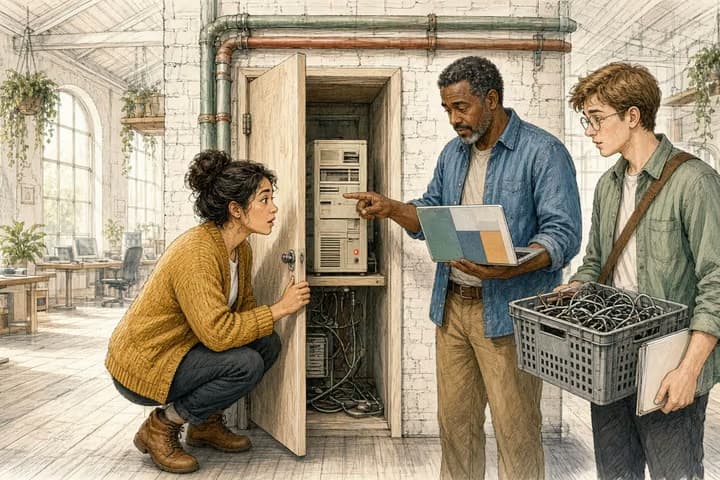
The server you stopped using is still switched on.
Last year's move to new hosting went fine, and nobody has thought about the old box since. It may still be answering the internet and holding keys to the new setup. A breach earlier this month started in exactly that kind of place.
Read the note ↗︎
Deleting a key from your code doesn't delete it.
Somebody pasted a password into the code years ago and took it out the next day. This week a fake "Security Audit" on GitHub went looking for exactly that kind of leftover, and it found plenty.
Read the note ↗︎
The old version of your app is still on someone's phone.
Fix a bug on a website and everyone has the fix by lunchtime. Fix the same bug in a mobile app and some of your users will still be running the broken version next spring. Three what-ifs show why it pays to decide your update rules early.
Read the note ↗︎
Keep the Google button. Just don't make it the only way in.
Proton's "Don't sign in with Google" campaign is aimed at consumers, and it's back in people's feeds. If you own an app, the better question is what happens to a customer whose Google account stops working tomorrow.
Read the note ↗︎
When a package goes bad, the obvious first move can hurt.
This week a poisoned JavaScript package came with a trap. Revoke the key it stole, and it wipes the computer it's on. If your site or store runs on JavaScript, here's what to sort out now and what to do first next time.
Read the note ↗︎
A screener that tells people they don't qualify had better be right.
A few questions up front can save an applicant hours and save your staff a pile of applications that were never going to pass. It will also be wrong sometimes, and one kind of wrong is far more expensive than the other because nobody ever sees it.
Read the note ↗︎
Sort your app's notifications before your users do it for you.
Somebody on your team added each notification for a good reason. Together they've taught your users to swipe without reading, or to switch them off. Sorting them into four piles takes an afternoon and usually ends with fewer, better interruptions.
Read the note ↗︎
Putting the PDF online isn't putting the service online.
A fillable PDF on the county website feels like progress. For the person applying, it's still a paper form, just harder to fill in on a phone. Here's what changes when the form becomes a service.
Read the note ↗︎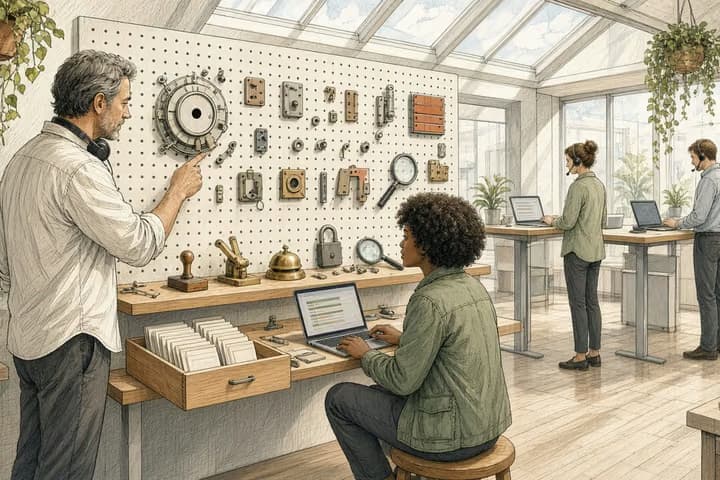
The admin screen is where your software earns its keep.
Customers see the polished part. Your team spends the whole day in the back office, which is usually where a product quietly falls apart. So let's take a typical admin screen apart, one piece at a time.
Read the note ↗︎
ChatGPT builds the calculator now. Build the one it can't.
Ask ChatGPT for a bill splitter today and it draws one in the chat. So which tools on your site still earn the visit? The ones that need something only you know.
Read the note ↗︎
Spec the conflict before the field app ships.
A technician saves a status with no signal. Someone else edits the same record on another device. Both are honest, and when they reconnect one will win, the fields will mix, or the record will freeze. If you don't choose, the software will.
Read the note ↗︎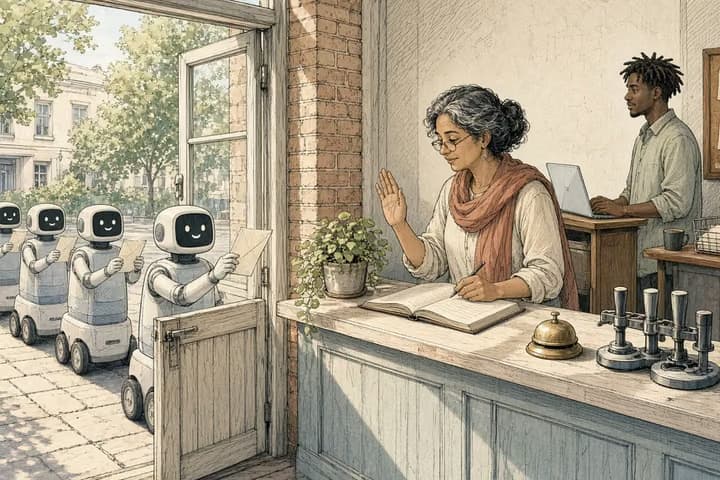
Other people's agents have already found your public tools.
Wikimedia caught agents trying to turn a citation tool and a public notepad into proxies. Your link previews, URL imports and search box are the same kind of door. Here's how to check them in an afternoon.
Read the note ↗︎
Name the canary before you raise the share.
"We'll start at a small percent" sounds careful. Later you learn the first slice was internal accounts or one region, and you ramped a path you never actually watched. A canary only teaches you something if you named who was in it.
Read the note ↗︎
Kill the flag, or do not half-kill it.
The flag went in so a path could ship early. Weeks later it's still there, the off state was never designed, and turning it off would strand writes the on state already promised. A flag you can't cleanly kill has become a second product.
Read the note ↗︎
A dry run only counts if staging matches.
The dry run went well, then production differed in ways the rehearsal couldn't see. A permission the test user had, a flag only on in staging, seed data cleaner than any customer. Check that staging matches before you trust what it taught you.
Read the note ↗︎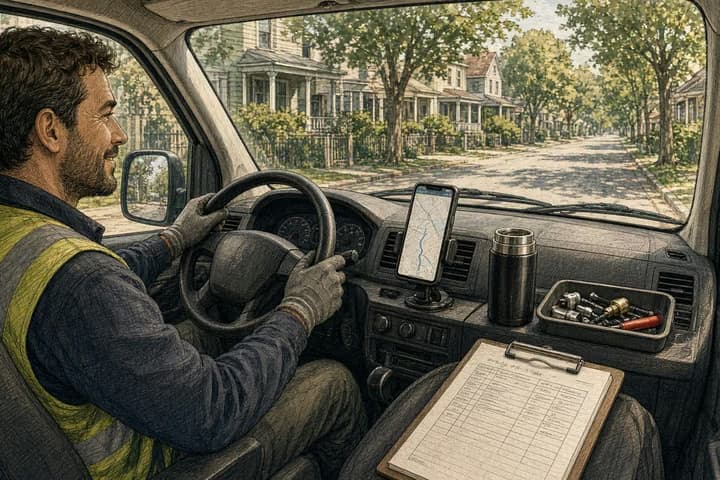
Ride along for a shift before you design the field app.
Spend one shift in the van with the person who'll use your field app. Gloves, a weak signal, and a customer watching will redesign it faster than any workshop.
Read the note ↗︎
A comparison table is not a decision.
Forty rows of checkmarks don't help anyone choose. People want to know which difference matters for them, and what it would mean in their situation.
Read the note ↗︎A familiar problem? Let’s look closer.
Tell us where you want to go. We’ll find the first thing worth changing.
Tell us about it ↗︎