Instagram creators can now tag your Amazon products in Reels. Look at the page their followers land on
Somebody with forty thousand followers holds up your water bottle in a Reel, and the product tag opens the Amazon app. Nobody asked you first. What happens next depends on a page you probably last checked on a laptop.
Since November 16, 2026, U.S. Instagram creators in Amazon's Influencer Program can tag up to 30 Amazon products in a Reel and 20 in a feed post, with affiliate links added automatically and opening in the Amazon app. If you sell on Amazon, check what your detail page shows on a phone, make sure the tagged variant matches what the video shows, watch stock on likely products, and decide whether to offer creators a bonus commission.
A tap you didn't arrange
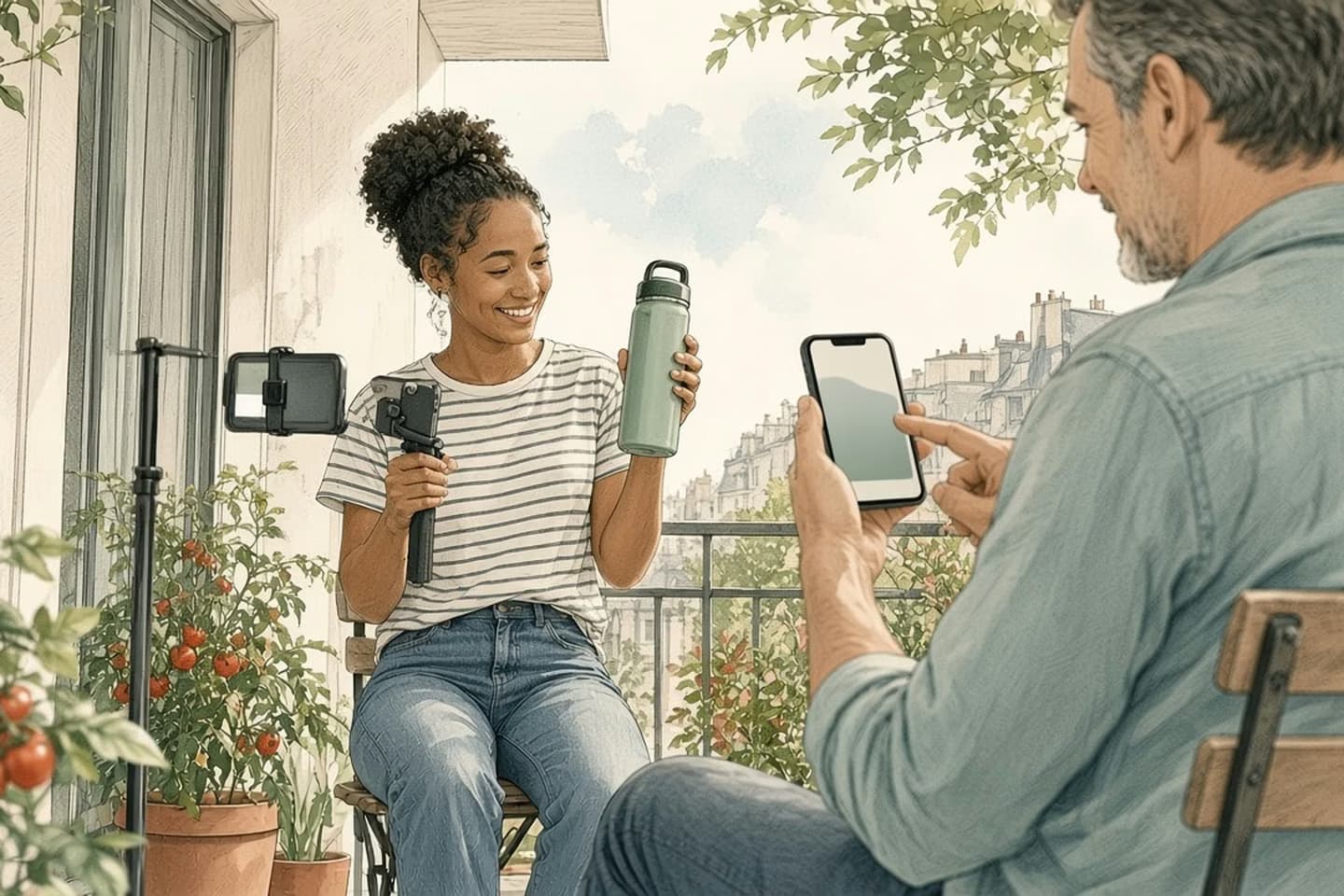
Somebody with forty thousand followers posts a Reel holding your water bottle. In the corner there's a product tag. A follower taps it, and the Amazon app opens on your product page.
You didn't arrange any of it. As of November 16, you don't have to. Instagram now lets creators in the U.S. who are part of Amazon's Influencer Program tag Amazon products directly in Reels and feed posts, up to 30 products per Reel and 20 per post, according to TechCrunch. Once a creator connects their Amazon account through the Monetization section of Instagram's Professional Dashboard, the affiliate link is added automatically whenever they tag an Amazon product, even if they paste a plain product link. The tag shows an image preview, and the link opens the Amazon Shopping app.
Until now, Engadget notes, products tagged in Reels had to be in Meta's own commerce catalog. Amazon products were mostly shared through bio links, Stories and DMs. Meta told TechCrunch that product links placed directly on posts draw about twice as many clicks as links in a bio.
How the work moves
One tap, from Reel to your detail page
- The Reel
A creator shows the product in use and tags it, with an image preview.
- The tap
The follower taps the tag; the affiliate link opens the Amazon Shopping app.
- The first screen
Main image, title, price, rating and delivery promise, on a phone.
- The choice
Is the variant from the video already selected, and in stock?
- The cart
Add to cart, or back to Instagram in two seconds.
Why this lands on the seller
Creators get paid by Amazon, and Instagram says it takes no cut. Creators also see each product's estimated commission rate before adding it to a post. So the decision to feature a product is partly about what it pays, and partly about whether the product looks good on video and the page converts when their followers land on it.
That last part is yours. The creator sells the idea. Your detail page has to close it, on a small screen, in a few seconds.
Most sellers check their listings on a laptop in Seller Central. Traffic from a Reel arrives on a phone, from someone who saw the product thirty seconds ago, often in a specific color or size. They aren't comparing ten listings. They're checking whether this is the thing from the video.
The creator sells the idea. Your detail page has to close it, on a small screen, in a few seconds.
Walk the tap yourself
Pick the three products a creator is most likely to tag: your most photogenic items, your bestsellers, anything that's ever been mentioned in a video. Open each in the Amazon app on a phone, the way a follower would, and look at the first screen without scrolling.
Does the main image show the product the way a video would, or a white-background shot that hides its size? Does the title say what it is in the first few words, before the phone cuts it off? Can you see the price, the rating and a delivery date? If the product comes in colors, is each one selectable with its own photo, or does the page default to a color nobody filmed?
That last point matters more than it sounds. A creator might tag one listing while filming a different variant. If your variations aren't grouped properly, or the colors don't have their own images, the follower lands on the wrong thing and leaves.
Check the reviews and questions near the top of the page too. A follower who has just watched someone enjoy the product will read the first few reviews for reassurance. If those mention a problem you fixed a year ago, make the fix plain in the images or the first bullet, so the page answers the worry before the shopper scrolls.
Check the page against the video
Think about what creators actually say in these videos: the color, whether it fits in a cup holder, how long the ice lasts, that it's a great gift. Each of those is a question the follower brings to your page. Size and dimensions should be easy to find, not buried in the eighth bullet. Claims should match what you can stand behind, since a creator's enthusiasm can run ahead of the spec. And in November and December, the delivery date is often the deciding detail.
Stock deserves a look too. A Reel can do nothing or it can do a great deal, and you won't know which in advance. If one product is a likely candidate, make sure the inventory you're counting on for December can absorb a spike, and know who would notice a sudden jump in sessions on one product page that doesn't line up with any ad change.
Decision guide
What the Reel shows, and what the page must confirm
| Consideration | In the Reel | On your detail page |
|---|---|---|
| Color | The sage green bottle | Sage green selectable, with its own photo |
| Size | Fits in a car cup holder | Dimensions near the top, not in the eighth bullet |
| Use | Ice still there after a day at the beach | A claim you can stand behind, worded the same way |
| Gift | Perfect stocking stuffer | Delivery date that arrives before the holiday |
Notice when a creator finds you
The tricky part of traffic you didn't arrange is that you may not know it's happening. A creator doesn't have to tell you before tagging your product, and the first sign may be a product selling faster than usual for no obvious reason.
So set up a simple way to notice. In Seller Central, the Business Reports pages show sessions and units by product. Glance at them weekly through December and look for one product whose sessions jump without an ad change, a deal or a price cut behind it. When that happens, search Instagram for your brand and product names and see who's been posting.
Keep a short list of creators who have featured you, with the product, the date and a link to the post. It costs nothing and it's useful twice. It tells you which products creators pick on their own, which is a hint about what to photograph and stock. And if you later decide to offer a bonus commission, it gives you a list of people who already like the product, which is a far better start than a cold search.
Decide whether to pay creators more
Everything above is about being ready for creators who find you on their own. You can also give them a reason. Amazon's Creator Connections program lets sellers offer creators a bonus commission on selected products, on top of their standard commission. Amazon's brand guide for the program, which has no date on the pages, lists a minimum 10% bonus rate, a minimum budget of $5,000 and campaigns of 30 to 365 days, set up in the Amazon Ads console under Branded Content. Check the current terms before you plan around them.
Whether it's worth it depends on margins and on whether your pages convert. Paying more to send people to a page that doesn't close is the expensive way to learn that. Fix the page first.
Keeping listings, variations and stock in shape across Amazon and other marketplaces is what our marketplaces work covers. Talk to us.
Related work: Paddle8
We build alongside the people doing the work.
Bring us the problem you’re thinking about.