Count the cost of coordination, not just the work.
Both tools work and nothing looks broken, yet the same handoff keeps eating time in waiting, clarifying and redoing. Put your own numbers on that loop and see what a year of it really costs.
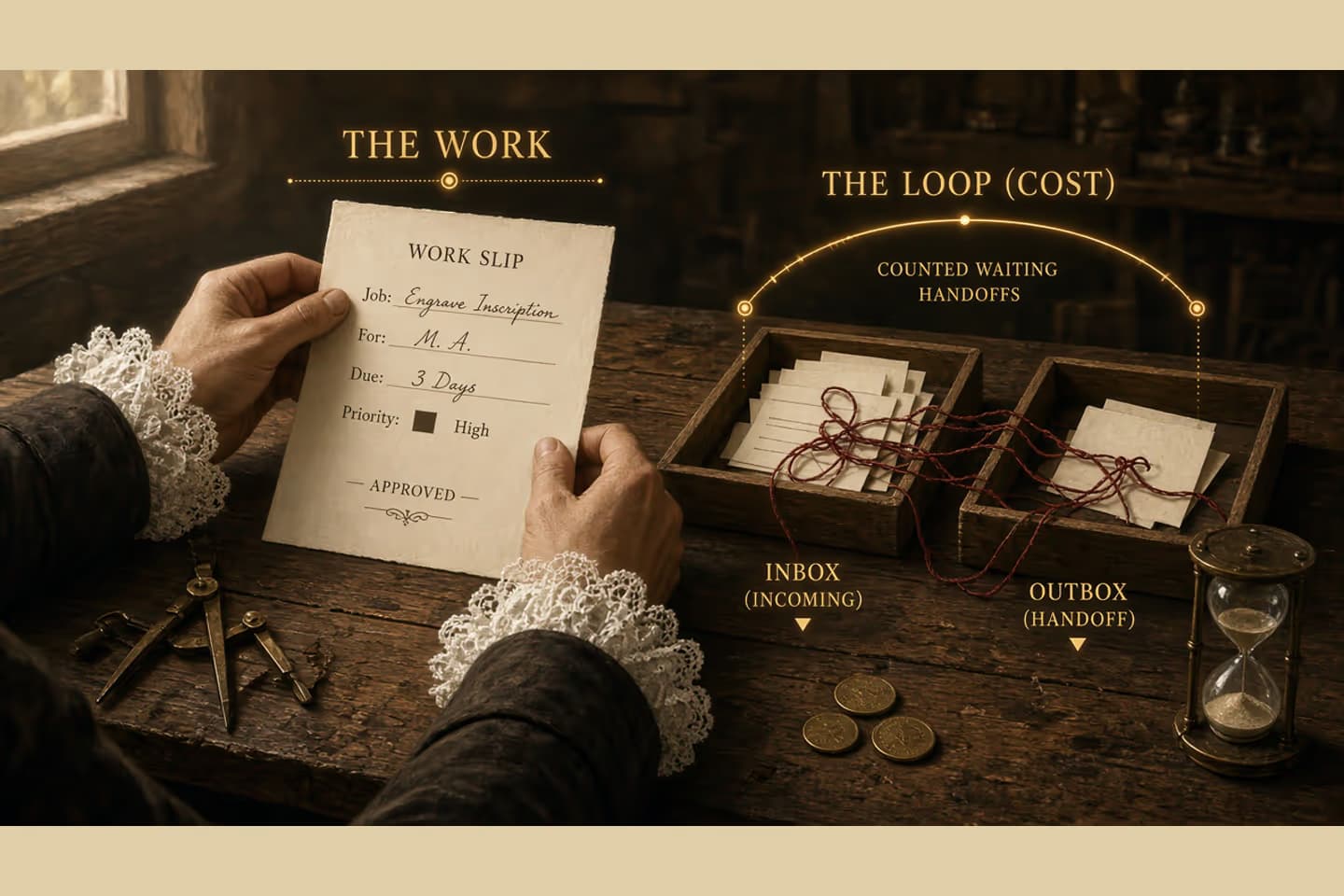
Manual coordination gets expensive because the same handoff repeats: waiting, clarifying, correcting, and restarting. Use a simple annual model—volume × time × loaded cost, plus wait and rework terms—with explicit assumptions. The output is a planning estimate, not a market benchmark.
What you are actually paying for
An order arrives. Someone checks a spreadsheet, pastes a reference into a message, and asks another team to confirm a detail. Both tools work. Nothing looks broken. The cost is the loop between them: waiting for a reply, clarifying a field, fixing a mismatch, starting again.
Teams budget for the work they can see. Typing, picking, approving. They undercount coordination, which is the same handoff repeating until it feels like the weather.
This note is a worksheet for that loop. You fill in your own numbers. It is not a benchmark, and it is not a claim about what a typical company pays.
The sheet
Pick one loop. Not the company. One repeating handoff.
Write the volume: how many times it happens in a year. Write the minutes a person spends each time, not the minutes the calendar says the item was open. Write a loaded hourly cost you are willing to defend. Multiply those three. That is the active cost.
Then add the parts people forget. Minutes waiting, times volume, times the cost of the person who is blocked. Minutes of rework when the handoff was wrong. A rough count of errors that create a second loop.
Label every input as measured, estimated, or guessed. Leave the guessed ones visible. A precise-looking total built on a guess is how this sheet gets misused.
If you cannot fill volume or time, you do not have a cost yet. You have a suspicion. Go watch the loop once before you multiply anything.
How the work moves
The coordination loop you are pricing
- Signal
Case becomes ready in the first system.
- Translate
A person moves context into the next tool.
- Confirm
Another person checks what the tools did not prove.
- Resume or rework
Work continues or returns upstream.
The expensive part is often the loop between tools, not the work inside either one.
A worked example, clearly fake
Illustrative only. Not a client result and not a market figure.
Suppose a handoff happens 20 times a day, about 250 days a year. That is 5,000 times. Each pass takes 8 minutes of someone's attention. At a loaded cost of $60 an hour, the active time is about $40,000 a year. If each pass also waits 30 minutes, and you count that wait at the same rate, the waiting dwarfs the typing. Add a rework rate of one in ten, and the loop is no longer a rounding error.
Throw those numbers away. They are here so you can see the shape of the sheet. Use your volume, your minutes, and your cost. If you publish the total, publish the assumptions next to it.
What the number is for
Use it to rank which loop deserves design attention. Use it to brief a partner. Use it to refuse a tool that cannot remove the handoff you just priced.
Do not put it in a board deck as a savings promise. Do not turn it into a contractual guarantee. Do not average it with other companies and call that a market study. You did not measure them.
And do not automate the busy minutes while leaving the wait untouched. A faster paste into the same unanswered thread does not change the year.
Decision guide
What to put in the sheet vs what to leave out
| Consideration | Include | Exclude or separate |
|---|---|---|
| Active handoff minutes | Person-time copying, checking, chasing. | Strategic project work unrelated to the loop. |
| Blocked wait (if chosen) | Clock time that stops the case. | Idle calendar time you do not intend to cost. |
| Rework minutes | Extra active time after a failed pass. | One-off incidents better modeled as scenarios. |
| Loaded labor rate | Your planning cost for people in the loop. | Vendor list prices presented as "savings." |
Map the loop before you trust the total
Walk the handoff with the person who does it. Note where they wait, what they clarify, and what they redo. If two systems disagree, write down which one they trust. The number is only as good as that walk.
If the total is large and the path is clear, the next conversation is design, not another spreadsheet. That work sits under business process automation.
Related work: Sutton Place.
We build alongside the people doing the work.
Bring us the problem you’re thinking about.