Map the waiting, not just the work.
Most of a case's life isn't spent being worked on. It sits in a queue, waits for an answer or a signature, or comes back to be redone. Speed up only the busy minutes and the calendar barely moves.
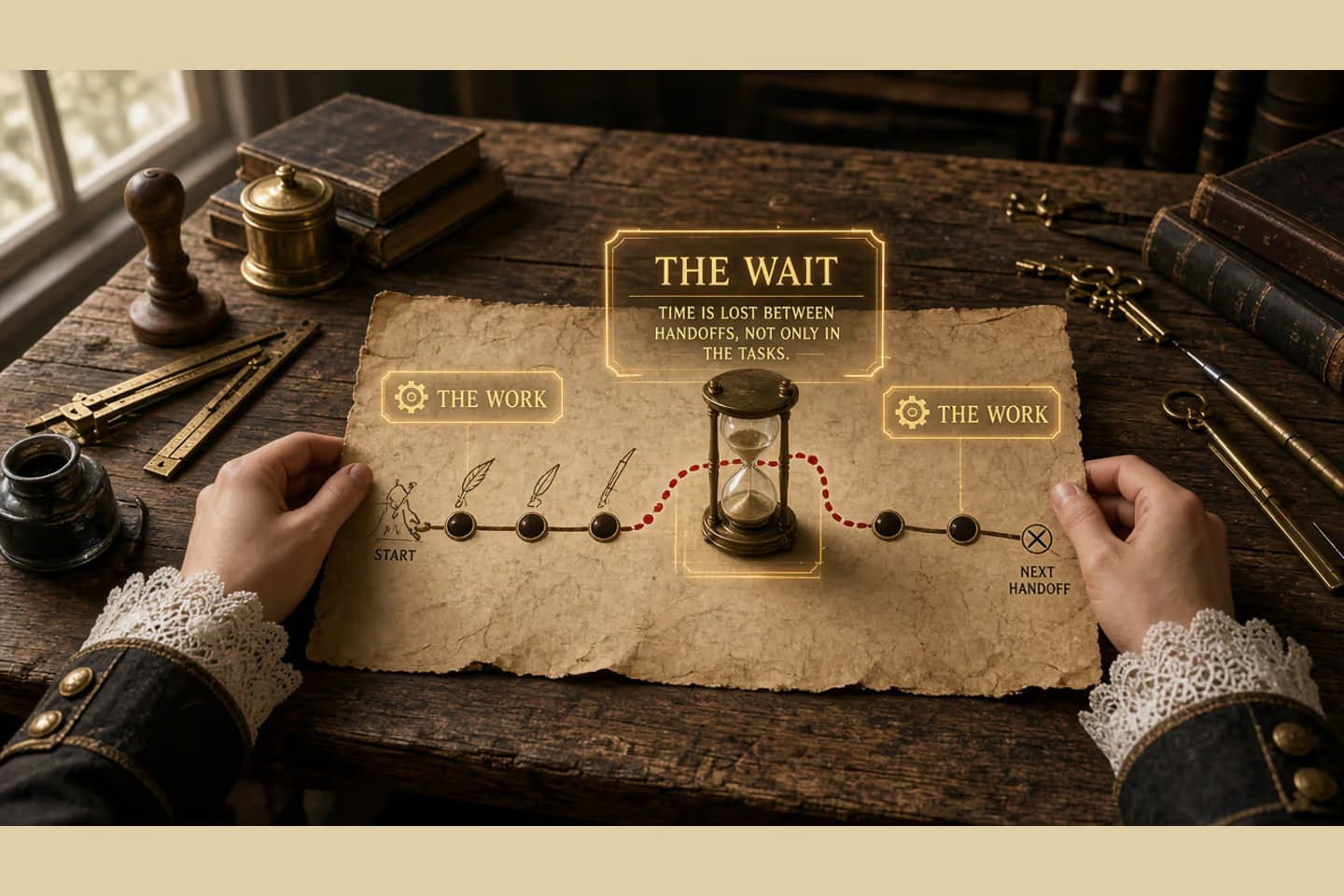
Between handoffs, work spends time queued, clarifying, awaiting approval, or looping through rework. Map those wait states with owners and exit criteria before you automate tasks. Reducing waiting often beats speeding the busy minutes.
The calendar hides between the steps
People talk about the busy minutes: typing, picking, deciding. On the ground, a case spends most of its life waiting. It is in a queue. It needs a clarifying answer. It needs a signature. It came back because something failed.
If you only speed up the busy minutes, you can hire speed into a process whose delay lives somewhere else. Map the waiting. Busyness is easy to see. Waiting is where the calendar goes.
Four kinds of wait
Draw the handoffs you already know. Between each pair, sort the time into four kinds.
Queue. The item is ready and nobody has started. You are waiting on capacity, or on a batch.
Clarification. Someone started, then stopped, because a fact was missing or ambiguous.
Approval. The work is far enough along that another person has to decide.
Rework. It came back after a failed check, an error, or a changed input.
For each wait, write five things: what starts it, who can end it, what done looks like, where you can see it, and when silence becomes an escalation.
These are not the same problem. An afternoon queue is capacity. A clarification wait is missing information. An approval wait is a decision that nobody staffed. Calling all three "we need automation" wastes the map.
When you show this to anyone who controls the budget, bring one real item that sat for days with an empty owner. A diagram is less persuasive than that case.
Sequence of work
Four waits between handoffs
- Queue
Ready, not yet owned.
- Clarification
Blocked on information.
- Approval
Blocked on a decision.
- Rework
Returned with a reason to fix.
Busyness is visible. Waiting is where the calendar goes.
Check one real case
Walk one item that is waiting right now.
- Can you point at where it sits?
- Is "in a queue" different from "someone is working on it"?
- Does a clarification carry the question and the evidence needed to answer it?
- Is approval a named person, not "leadership"?
- Does rework come back with the reason and the failed check attached?
- Do old waits escalate, or do they only get a chat ping?
- If the usual owner is away, is there a deputy?
- Would speeding the active steps leave these waits untouched?
Any no is design work. Clicking faster will not fix it.
Decision guide
Active work focus vs wait-state focus
| Consideration | Active-only | Wait-aware |
|---|---|---|
| Map | Steps people perform. | Steps plus idle intervals. |
| Metric | Busy minutes. | Aging waits with owners. |
| Fix | Faster typing. | Clear exit criteria for delays. |
| Automation | Speeds clicks. | Ends avoidable waiting. |
An illustrative day
Illustrative only. Not a measured client result. A fulfillment exception is "ready" at 9:00. It sits in an unread shared inbox until 13:00. That is a queue. It waits until 15:30 for a warehouse note. That is clarification. It waits until the next morning for a manager stamp. That is approval. After a rejection it comes back for a label fix, which is rework, and then it enters the queue again.
The active work might be twenty minutes. The customer felt the waiting.
Do not treat those clock times as data from a real account. Use the shape to look at your own timestamps. If your systems cannot show how long each wait lasted, that gap is part of the finding.
What to change before you buy a tool
Make the waits visible. Split a queue that mixes "we need an answer" with "we need a person." Attach the question to the packet. Staff the approval you claim to require. Do not let rework lose the reason it came back.
Waiting with no owner is just delay with manners.
Put this into practice
This week, trace one item and build the map. Bring the longest wait, not the flashiest task, into the conversation. The first useful automation often ends a wait: assign it, notify with the context, escalate it. It does not speed a keystroke.
If a demo only makes the busy minutes faster, ask where the waits will live after you install it.
When you want help designing that, start from business process automation.
Related work: Sutton Place.
We build alongside the people doing the work.
Bring us the problem you’re thinking about.