The server you stopped using is still switched on.
Last year's move to new hosting went fine, and nobody has thought about the old box since. It may still be answering the internet and holding keys to the new setup. A breach earlier this month started in exactly that kind of place.
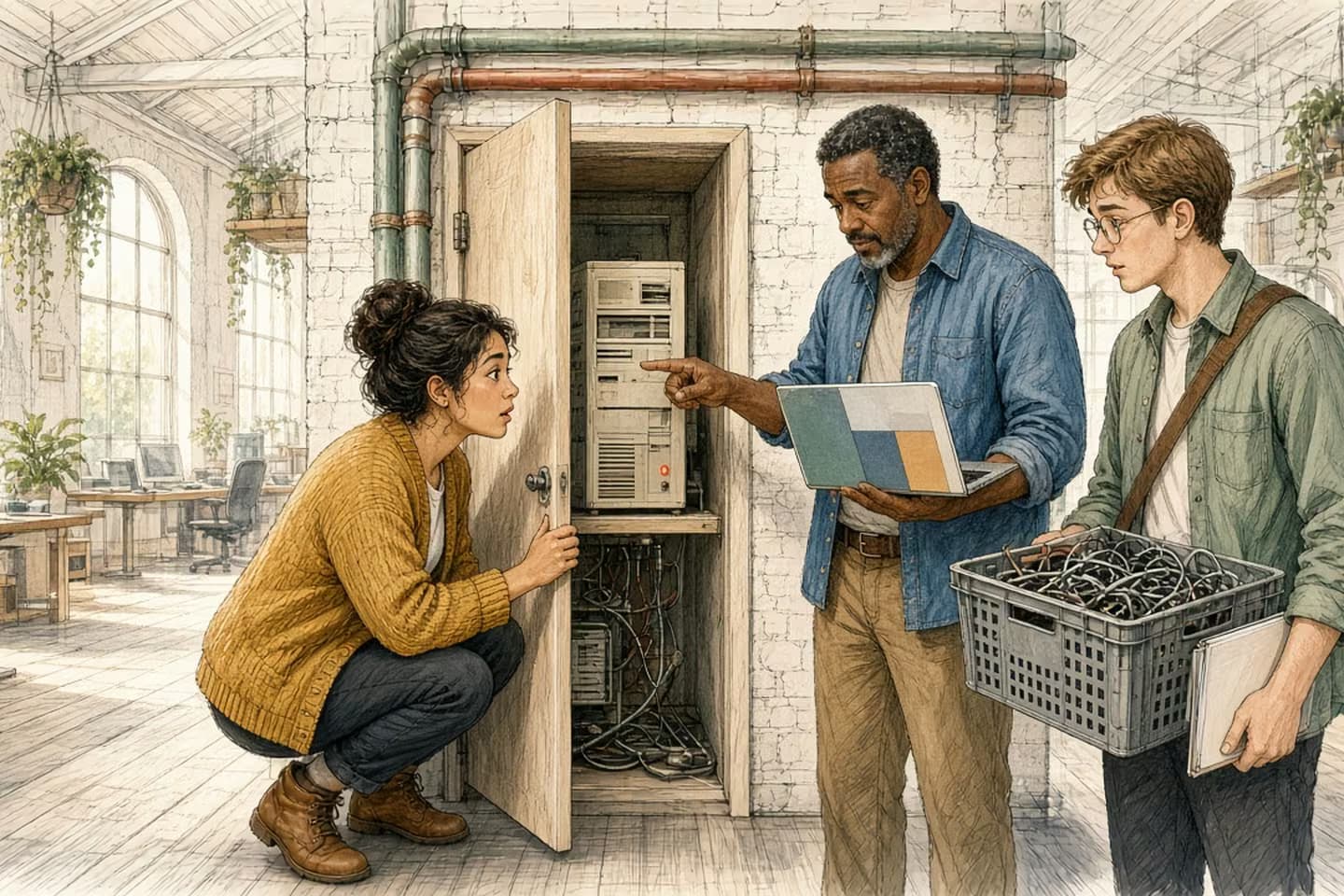
When you move a website or app to new hosting, the old server often stays on: still reachable, still running tools nobody updates, and sometimes still holding credentials for the new setup. Double Counter's October 2026 incident started on exactly that kind of server. After any migration, list every old server, staging copy, dashboard and domain, check what each can still reach, replace and remove saved credentials, then switch it off on a date someone owns. Keep a backup, not a running machine.
What happened at Double Counter
Double Counter is a verification bot that Discord communities use to catch alternate accounts. On October 5, 2026, the company behind it published an unusually detailed report about an attack the day before. The interesting part isn't how clever the attacker was. It's where they got in.
In the company's words: "The entry point was an old server from our previous OVH hosting setup. It was no longer in use and no longer linked to the operational Double Counter service." It was still switched on, though. Still reachable from the internet, and still running a self-hosted copy of Metabase, an analytics dashboard. A vulnerability in that dashboard let the attacker forge an administrator session and reach the machine underneath.
On that machine were two credentials for the company's current cloud: a service account key with administrator rights, and an administrator's saved command-line session. The attacker didn't need to create any accounts. They used the ones already there, which the report says is part of why the activity blended in at first. From there they copied about 12 GB from one database, took over the bot's Discord token and posted links through it in around 50 large servers. The company shut the old server down, replaced the exposed credentials and had the service back the same day.
None of this is exotic. Most businesses that have changed hosting, rebuilt a website or switched agencies have an old box like this somewhere. A server nobody uses is a server nobody is watching. So let's open one up and look at what's usually inside.
Sequence of work
How an unused server became the way in
- October 3
Probing of the legacy server, including the publicly reachable analytics tool on it, begins from rotating VPN addresses.
- October 4
Login to the old server through a vulnerability in the analytics tool.
- October 4
Two credentials stored on the old box (a service account key with admin rights and a saved admin session) open the current cloud. No new accounts created.
- October 4
About 12 GB copied from one database; the bot's token used to post links in about 50 large servers.
- October 4
Old server shut down, credentials replaced, service restored.
- October 5
Incident report published; French data protection authority notified.
Start with what you'd expect to find
The old app. It's sitting at whatever version it was on the day you moved, and it probably still works. It may still accept logins, still have a contact form that sends email, still have an admin page. Nobody has updated it since the move, because why would you update something you've stopped using?
A copy of the data. Migrations usually copy the database rather than move it, so the old server often keeps every customer, order or account as they were on moving day. Next to it there may be backups, and logs full of email addresses and IP addresses.
Those two are the parts people remember, and they're already reason enough to switch the box off. They're usually not the most dangerous part, though.
A server nobody uses is a server nobody is watching.
Then look at what got added along the way
Servers collect side tools. An analytics dashboard somebody set up to answer one question. A database admin panel for a quick fix. A file browser. A monitoring agent. A staging copy of the site on a subdomain so a client could review changes. Each one was reasonable at the time, and each one is a small web application in its own right, with its own login page and an update schedule nobody is following.
At Double Counter it was one of these, the analytics tool, that let the attacker in. Not the old version of the product.
Scheduled jobs hide here too. A nightly export to a partner, a script that syncs prices, a reminder email. Sometimes they keep running after the move and quietly do things twice, or send customers a message from the old system. If someone ever says "we keep getting a strange duplicate email on Mondays," check the old server.
The names come last. DNS records like old.yourcompany.com or staging.yourcompany.com, or an IP address still sitting in a partner's allowlist. As long as a name points at the box, people and scripts can find it.
The part that matters most: what it can still reach
Here's the question that turns an old server from untidy into dangerous. Does anything on it give access to the systems you use now?
During a migration the old and new setups have to talk to each other. Someone copies data across, so the old box gets credentials for the new cloud, the new database or the file storage. Someone logs in to the new provider's command line from the old machine to run a transfer, and the session stays saved. Those credentials were meant to be temporary. They rarely get removed, because the move went well and everyone moved on.
That's the Double Counter story in one line: the old box held a key with administrator rights to the new cloud, and whoever got into the old server inherited it.
So look for the same things you'd look for after someone leaves the company: saved keys, environment files, command-line logins, SSH keys, API tokens, payment keys, email and SMS credentials. Our notes on the accounts nobody listed when someone leaves and on keys that live on in git history come at the same habit from two other directions.
If you find a key, assume it may have been seen. Replace it in the new system first, then delete it from the old one. Rotating credentials like a cutover covers how to do that without breaking whatever still depends on it.
Switching it off properly
Switching off is a small project, not a click:
- List everything. Every server, staging copy, dashboard, subdomain and hosting account from before the move. Ask whoever did the migration, read old invoices, and go through your DNS records.
- Check what each one can reach. Stored credentials, open connections to the new systems, partner allowlists.
- Replace, then remove. New keys in the new system first, then delete the old ones everywhere they appear.
- Take a final backup and put it somewhere boring. An encrypted file in storage you control, with an owner and a delete date. A backup keeps the data. You don't need a running machine for that.
- Turn it off, wait, then delete. Switch it off and watch for a couple of weeks. If nothing breaks and no partner calls, delete the server, its DNS records and the hosting account.
The waiting matters. Turning it off before deleting gives you a way back if some forgotten job turns out to be important. And if something does break, you've just found a dependency nobody had written down, which is worth knowing.
How the work moves
Switching off an old server
- List everything
Servers, staging copies, dashboards, subdomains, hosting accounts.
- Check what it can reach
Stored credentials, connections to new systems, partner allowlists.
- Replace, then remove
New keys in the new system first; old ones deleted everywhere.
- Back up and park
One encrypted backup with an owner and a delete date.
- Off, wait, delete
Switch off, watch for two weeks, then delete server, DNS and account.
Make it the last step of every move
Most migration plans end at "the new system is live." The old system's shutdown deserves its own line in the plan, with an owner and a date, and it shouldn't count as done until the server, its names and its keys are all gone.
If you're planning a move, write the switch-off into the plan before you start. If the move happened a while ago, an afternoon with whoever did it and a stack of hosting invoices usually finds what's still running. It's the same discipline as rebuilding from your own backup: know what you actually have, and don't trust something you've stopped looking at.
We build and run web applications, including the moves between hosting setups and the unglamorous part afterwards where the old one gets switched off. If you're not sure what's still running from your last move, let's look at it together.
Related work: Sutton Place.
We build alongside the people doing the work.
Bring us the problem you’re thinking about.