The password reset went to spam
A customer asks for a password reset, waits, asks again, and gives up. The email did go out. It landed in spam, or never landed at all, because the newsletter and the reset share a sender and only one of them is set up properly.
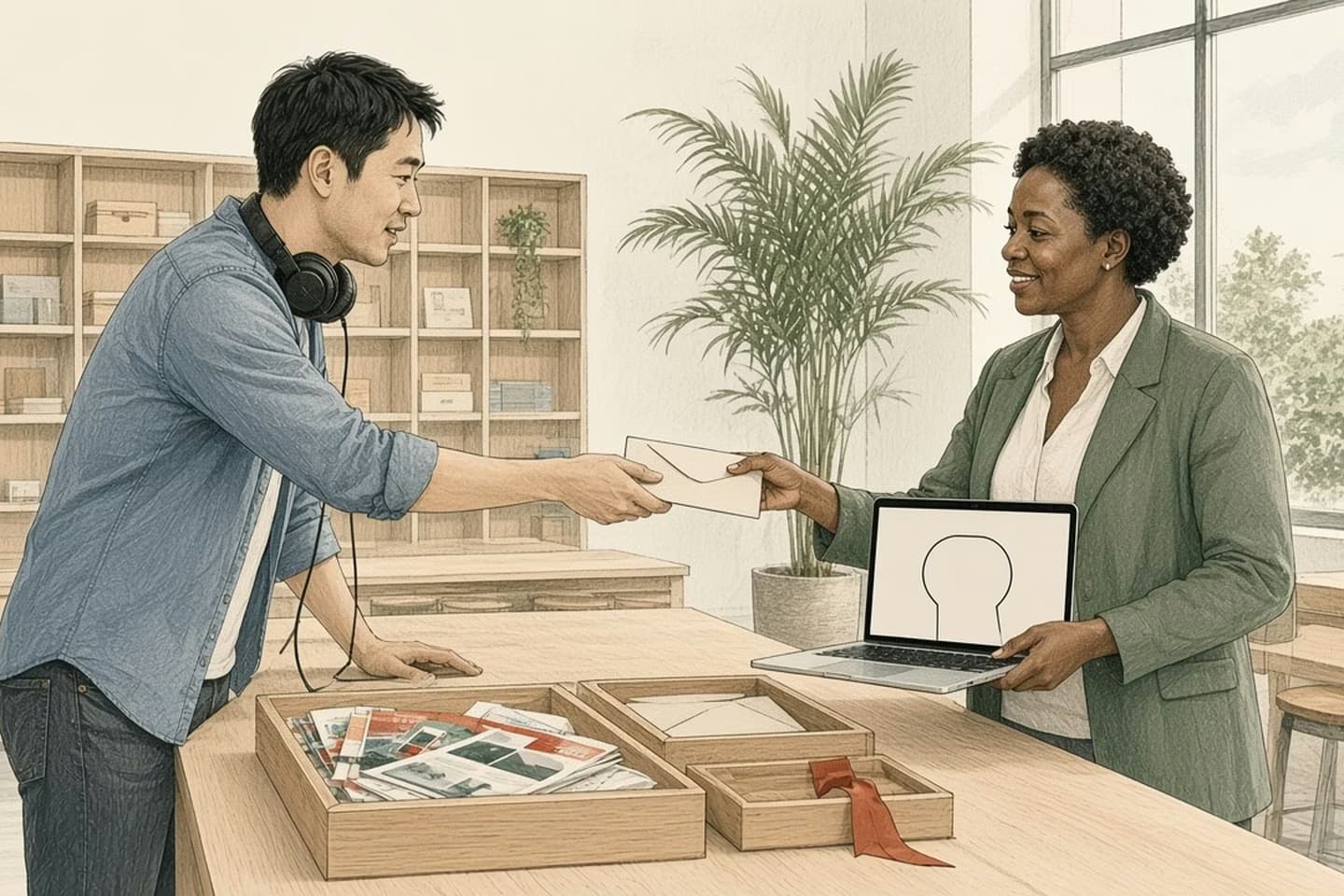
Sort your app's emails into must-arrive (password resets, sign-in codes, receipts), useful notices, and marketing. Send must-arrive mail from a properly authenticated sender kept apart from marketing. Gmail requires SPF or DKIM from every sender, and SPF, DKIM, DMARC and one-click unsubscribe for marketing from senders of 5,000 or more a day; Outlook enforces similar rules for high-volume senders. Then give people a way forward in the app when an email doesn't arrive.
A ticket that says "it never came"
Here's a composite support ticket. A customer can't sign in, clicks "forgot password," waits five minutes, clicks again, waits again, then writes to support: your reset email never came. Support sends the reset manually. That one doesn't come either. Eventually the customer finds both in their spam folder, or doesn't, and leaves.
Behind the scenes, the app sends its resets through the same service, from the same address, as the monthly newsletter. The newsletter has a decent open rate and a handful of spam complaints each month. The sending domain has SPF set up for the newsletter service but nothing for the app's own server, which someone added later. Nobody owns "email" as a whole. Each team owns their emails.
Email deliverability sounds like a marketing topic. For an app, it's a sign-in topic.
Sort your emails into three piles
Start by listing every email your product sends. Most teams are surprised how long the list is. Then sort.
Pile one: must arrive. Password resets. Sign-in codes and magic links. Email address confirmations. Receipts and order confirmations. Security alerts. If one of these doesn't arrive, a person is locked out, unsure whether they paid, or unaware someone else signed in. These need to land in seconds, every time.
Pile two: useful notices. "Your report is ready." "Someone commented." "Your subscription renews next week." Important, but a delay of minutes won't hurt anyone, and some people will want to turn them off.
Pile three: marketing. Newsletters, offers, announcements, win-back campaigns. Good to send, fine to miss, and the pile most likely to collect spam complaints.
Pile two is where preferences belong. Let people choose which notices they get and how often, and send the rest as a daily summary rather than one email per event. A notice nobody wanted is the email most likely to be marked as spam, and that complaint counts against whichever sender it came from.
The point of the sort is that pile one should never inherit the reputation of pile three.
Decision guide
Three piles of app email
| Consideration | Must arrive | Marketing |
|---|---|---|
| Examples | Resets, sign-in codes, receipts, security alerts. | Newsletters, offers, announcements. |
| If it's late | Someone is locked out or unsure they paid. | Nobody notices. |
| Sender | Its own authenticated stream or subdomain. | Separate stream with one-click unsubscribe. |
| Content | Short, expected, nothing extra. | Designed and promotional. |
The reset email is the front door for anyone who forgot their key. Don't share it with the flyers.
Keep the must-arrive pile apart
The reset email is the front door for anyone who forgot their key. Don't share it with the flyers.
In practice that means sending must-arrive mail from its own sender: a separate sending service or stream, and ideally a subdomain such as one for account mail and another for news. If customers mark the newsletter as spam, that reputation then mostly stays with the newsletter's sender rather than dragging down your resets.
It also means keeping pile one plain. No promotions tucked into the receipt, no tracking-heavy templates, no "while you're here" offers in a password reset. Short, expected, obviously from you.
Meet the rules the inboxes set
The big mailbox providers publish their requirements, and they have tightened over the last few years.
Gmail says that since February 1, 2024, everyone sending to personal Gmail addresses must authenticate with SPF or DKIM, have valid forward and reverse DNS, use TLS, and keep the spam rate reported in Google's Postmaster Tools below 0.3%. Senders of more than 5,000 messages a day to Gmail must also set up both SPF and DKIM, publish a DMARC policy (it can start at "none"), make the visible From domain line up with the authenticated one, and give marketing and subscribed messages a one-click unsubscribe. Outlook.com began enforcing SPF, DKIM and DMARC for domains sending more than 5,000 emails a day on May 5, 2025, sending non-compliant mail to junk with rejection to follow.
Two things trip apps up. First, every service that sends as your domain needs to be included: the app server, the newsletter tool, the help desk, the invoicing system, the CRM. One forgotten sender can fail authentication on its own. Second, the 5,000-a-day line counts everything from your domain, so a growing app can cross it without anyone deciding to become a "bulk sender."
DMARC reports are worth turning on even while the policy is set to "none." Mailbox providers send back regular summaries listing the servers that sent mail claiming to be your domain and whether each one passed. That's often how a team finds the help desk tool or the old marketing account nobody remembered. Once every legitimate sender passes, you can tighten the policy so mail that fails is quarantined or rejected, which also makes your domain harder to fake in phishing emails.
Give people a way forward when email fails
Even perfectly set-up email sometimes doesn't arrive. Corporate filters, full inboxes, a typo in the address. So design the screen after "forgot password" as if the email might not come.
Show where you sent it, partly masked, so a typo is visible. Offer to resend after a short wait, and tell people to check spam with the exact sender name to look for. Make the link or code last long enough to survive a slow inbox. After a couple of failed attempts, offer another route, such as a sign-in code by text where you have a verified number, or a clear path to support that doesn't start with "describe your problem." We've written about why a phone number on its own isn't a person, which matters for that second route.
And watch the signal. A spike in "resend" clicks or "never received" tickets is often the first sign something broke in your email setup, days before anyone looks at a deliverability dashboard.
How the work moves
When the reset email doesn't come
- Show
Where it was sent, partly masked.
- Resend
After a short wait, with the sender name to look for.
- Last long enough
Link or code survives a slow inbox.
- Another route
Verified text code or a clear support path.
- Watch
Resend spikes as an early warning.
Put this into practice
This week, list every email your product sends, with the service that sends it and the address it comes from. Mark each one pile one, two or three. Then check whether your pile-one emails share a sender with pile three, and whether every sending service is covered by your domain's SPF and DKIM.
Finally, request a password reset to a fresh Gmail address and a fresh Outlook address, and time how long each takes to arrive, and where it lands. Do it again next month, and after any change to how your app sends email.
We build web applications where the boring parts work, including the emails that let people back in. If your support queue has a steady trickle of "it never came," talk to us.
Related work: Howcast.
We build alongside the people doing the work.
Bring us the problem you’re thinking about.