Shopify POS email and text receipts now copy your printed one. Ring up a sale to your own phone before Black Friday
Whatever you put on your printed receipt, the return policy, the gift note, the Instagram handle, now goes to customers who ask for an emailed or texted one too. That's mostly good news. Ring up one sale to your own phone and read it before Friday.
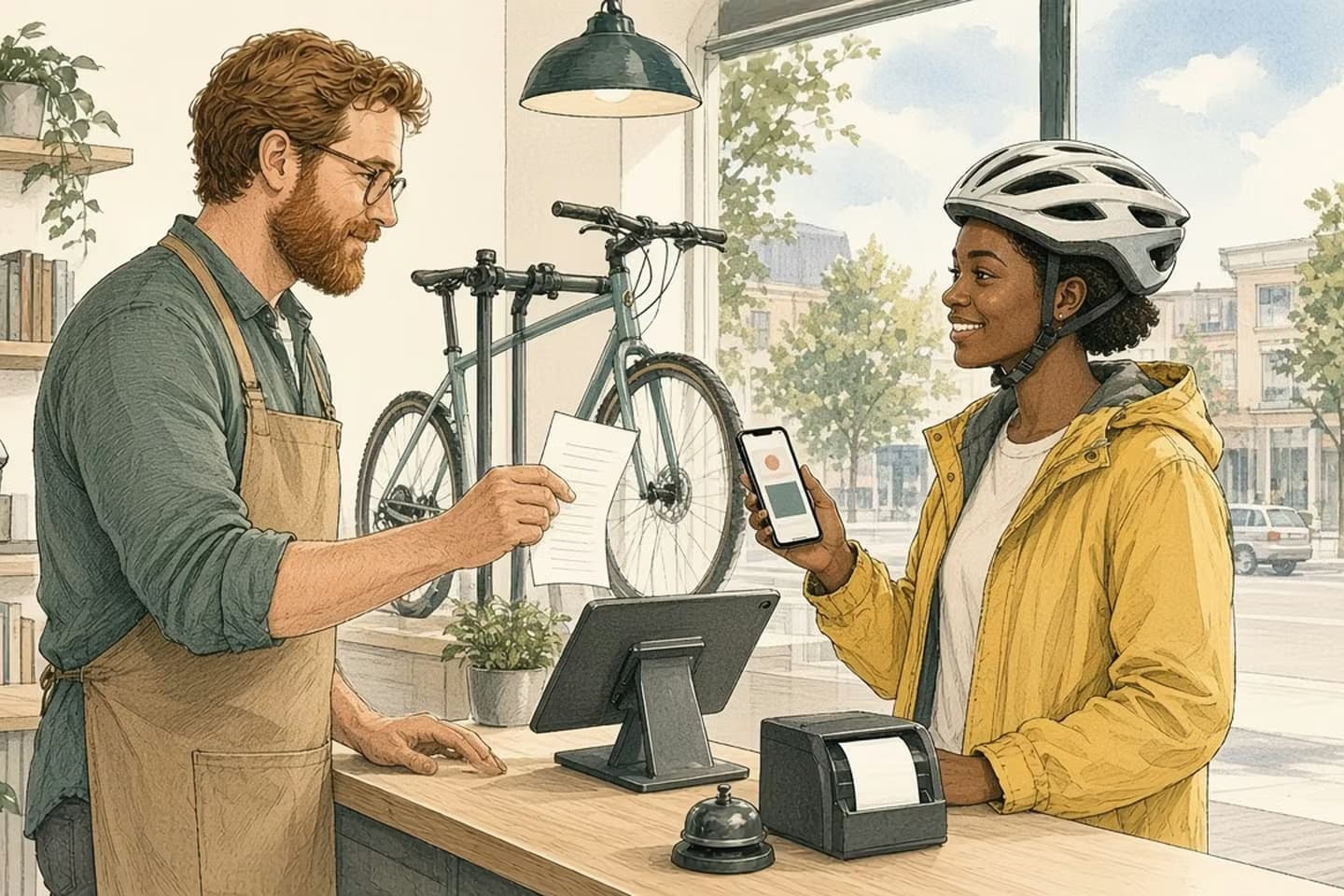
Since November 20, 2026, Shopify POS receipts sent by email or text show the same content as the printed receipt, using the layout from the POS receipt editor, and text receipts now contain the receipt itself rather than a link to the order. It applies if you use the unified receipt editor. Before Black Friday, ring up a sale, a return and an exchange to your own phone, check what customers will read, and update any customized POS email notifications to include the receipt link. In five EU countries the printed receipt stays the compliant one.
The receipt that now goes everywhere
On November 20, Shopify changed how its point-of-sale receipts travel. If a customer at your counter asks for their receipt by email or text, they now get the same content as the printed one. It's built from the layout you already set up in the POS receipt editor, so there's no second version to keep up to date. And customers who choose text get the receipt itself, not a link to their order.
For most shops this is a straightforward improvement. One place to edit, one version of the truth. But it also means that whatever you put on your printed receipt now reaches people in a new place, with a different kind of attention. That's worth five minutes before Black Friday, and the steps under this section are those five minutes.
Your printed receipt used to be read by the customer standing at the counter. Now it's also what lands in their pocket an hour later.
How the work moves
A five-minute counter test
- Sell
Ring up a small sale and choose text, then email, sending both to your own phone.
- Return
Return the item and send that receipt the same way.
- Exchange
Do one exchange, since that's the receipt most people never look at.
- Read on the phone
Check the policy, contact details and anything printed for staff, not customers.
Ring up a sale to your own phone
Pick a quiet morning. Ring up something small and choose a text receipt, then an emailed one, both to your own phone. Then return the item and send that receipt the same way. Then do one exchange, because that's the receipt most people never look at until a customer complains about it.
Now read all of them on the phone, the way a customer would, standing in a car park.
Here's what we'd look for. Is the return policy there, and is it the current one? Plenty of shops print a holiday returns window on paper and forget to change it back in January. Is the contact information right, and is it a phone number or email someone actually answers? Is there anything on the printed receipt that was really meant for staff, like a note to check ID on returns, or an internal code? On paper at the counter that's mostly harmless. In a text message, it reads differently.
If you have more than one location, repeat the sale at a second one. It costs two minutes and rules out surprises in a store you don't visit every day, like a special message from an opening week two years ago that nobody remembers adding.
Also check how it looks. A layout designed for a narrow thermal printer may look fine on a phone, or it may not. Long lines, a logo that was sized for paper, a QR code that's meant to be scanned at the counter: look at each one on a small screen.
Your printed receipt used to be read by the customer standing at the counter. Now it's also what lands in their pocket an hour later.
The one setting that needs a person
Shopify's changelog has one instruction buried at the end. If you've customized your POS email templates, update them to add the receipt link. Stores that never touched these templates don't need to do anything. Stores that did, maybe to add a loyalty message or match their brand, need someone to open the editor and add it, or customers will get your custom email without the receipt they asked for.
Shopify has also put the order, return and exchange emails for in-store sales on one screen. You'll find it under Settings, then Notifications, then In-store receipts. That makes it easier to see all three at once, and easier to notice if one of them was customized years ago by someone who's left. The table under this section sums up what changed.
There's also a condition. Shopify says the update applies if you use the unified receipt editor. If your shop hasn't moved to it, nothing changes yet, and it's worth knowing which side you're on before you assume either.
Decision guide
Before and after November 20
| Consideration | Before | Now |
|---|---|---|
| Email receipt | Its own notification, kept up separately. | The same content as the printed receipt, from the POS receipt editor. |
| Text receipt | A link to the customer's order. | The receipt itself. |
| Where to edit | Notifications scattered across settings. | Order, return and exchange emails on one screen: Settings, Notifications, In-store receipts. |
| France, Germany, Italy, Spain, Sweden | Email and text receipts as before. | Labeled as order confirmations; the printed receipt stays the compliant one. |
If you sell in Europe
In France, Germany, Italy, Spain and Sweden, Shopify labels email and text receipts as order confirmations. The printed receipt is still the compliant receipt in those markets. So if you run stores there, don't let staff stop printing because "the customer has it on their phone now." What they have on their phone is a confirmation, not the document your accountant or a tax inspector expects.
If you're not sure how that applies to your own stores, ask your accountant rather than guessing. And check the printers in those stores have paper and work before the weekend, since they're still doing the job that counts. This is one of those details where the software is telling you something about the rules, but it isn't the rules.
Gift receipts and the questions customers will ask
Here's an illustrative case. A customer buys a scarf as a present, asks for the receipt by text, and forwards it to her sister so she can exchange it. If the receipt shows the price, the sister now knows the price. On paper, the customer would have asked for a gift receipt. Check what your staff should offer in that moment, and whether the text receipt makes that conversation more or less likely to happen.
Returns are the other place this shows up. Once customers have a full receipt on their phone, more of them will arrive at the counter with it. Make sure your staff know how to look up an order from what the customer shows them. We made a similar point when Shopify POS added five QR wallets: walk a refund before you need one.
Do it before Friday
Give the job to one person by name. Receipts sit in an awkward gap: the store manager thinks of them as a marketing thing, marketing thinks of them as a store thing, and the person who set up the POS has often moved on. Whoever runs the test should also own the receipt editor from now on, so the next change goes through them.
The whole check takes a morning: send three receipts to your phone, read them, fix the receipt editor if anything's wrong, and update customized notifications. Then tell whoever trains seasonal staff what customers will now see, so nobody's surprised when someone holds up a phone at the returns desk.
If your shop runs across POS, online and a couple of marketplaces, and the receipts, policies and customer records don't quite agree with each other, that's the kind of thing our ecommerce team sorts out. You can talk to us whenever suits.
We build alongside the people doing the work.
Bring us the problem you’re thinking about.