Who holds the signing key for your Android app?
If your crew installs the company's Android app from a link in an email, a new Google rule will reach you. It's already live in four countries and goes global in 2027. Whether that's a quiet afternoon or a lost week depends on one file somebody may have lost.
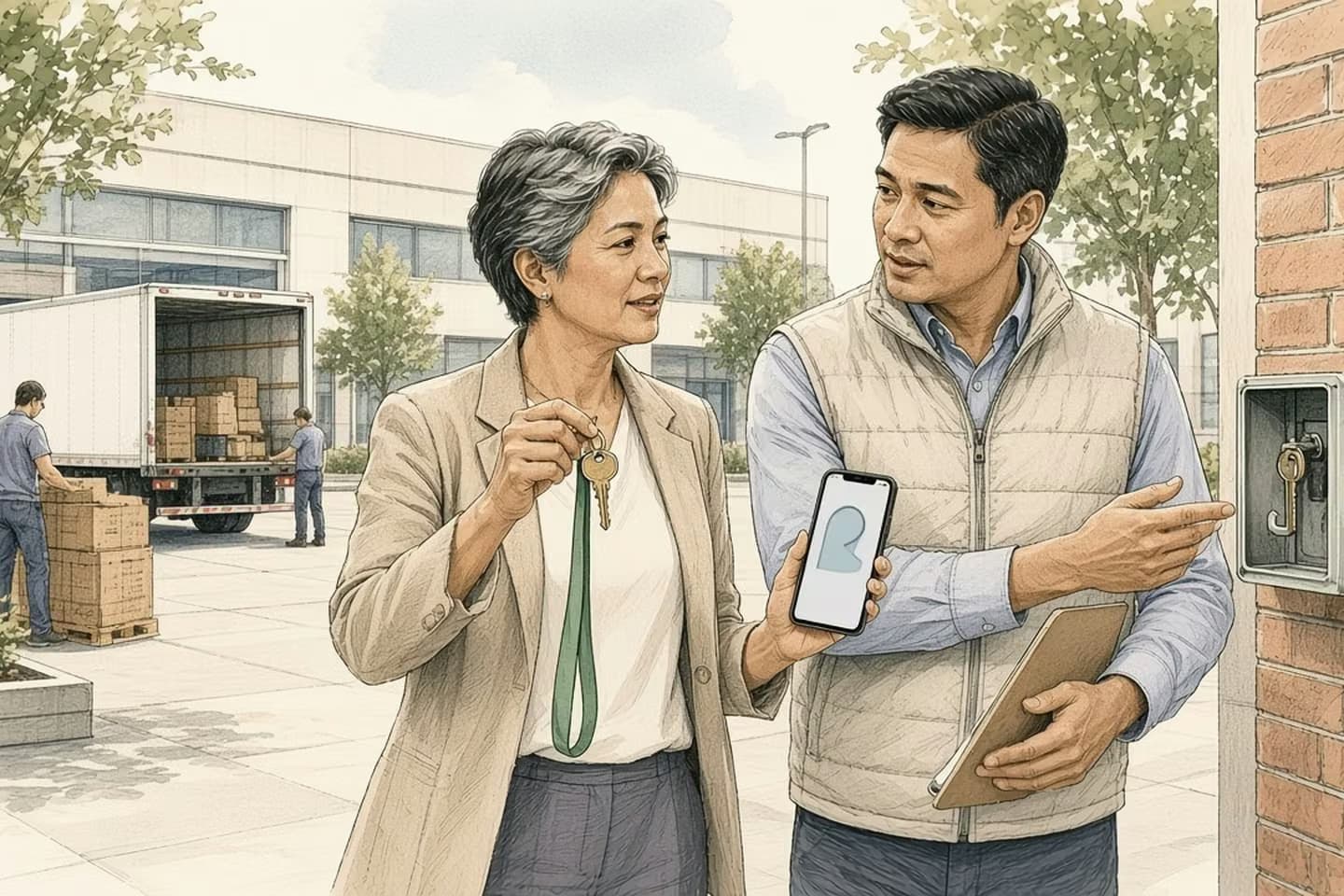
Google now requires Android apps to come from a verified developer before they install on certified phones. It started September 30, 2026 in Brazil, Indonesia, Singapore and Thailand and expands worldwide in 2027. Apps on Google Play are registered automatically, and private apps on company-managed phones are exempt. Anything sideloaded onto personal phones needs a verified developer account and the app's signing key to register it.
Start from the bad ending
Picture a Monday sometime in 2027. A new technician starts work. The office emails her the usual link to install the company's field app on her own Android phone, the way everyone has done it for years.
The phone won't install it. There's a message about the developer not being verified. The office manager forwards the link again, then tries her own phone, then calls the agency that built the app in 2022. The agency's contact left. Nobody can find the file the app was signed with. The tech spends her first week writing jobs on paper.
That's a composite, not a client story, and it's a pre-mortem: imagine the failure, then work back to what would have prevented it. The trigger is real, though. Google has started requiring Android apps to come from a verified developer before they can be installed on certified phones. It went live on September 30, 2026 in Brazil, Indonesia, Singapore and Thailand, and Google says it will expand globally for all apps on certified Android devices in 2027.
Sequence of work
From launch countries to everywhere
- Aug 2026
Limited distribution accounts and the advanced install flow launch globally.
- Sep 30, 2026
Registration required to install and update in Brazil, Indonesia, Singapore, Thailand.
- Now
Developers verify identity and register package names.
- 2027
Google expands the requirement globally for certified devices.
What actually changed
Google describes it as an ID check for developers, not a review of the app. To keep an app installable, the developer has to prove who they are, and then prove they own the app.
If your app is on Google Play, you're registered through your Play Console account. Package name registration isn't required on that path.
If you distribute outside Play, for example an APK on your website, in an email, or on a shared drive, you need an account in Google's new Android Developer Console. You verify your identity as a person or an organization, then register each app's package name by providing a copy signed with your private key. That last step is a cryptographic challenge: no key, no registration.
If your phones are company-managed, there's good news. Google's Managed Google Play help says private apps on fully managed devices, or inside a Work Profile set up through an MDM or EMM tool, are exempt. The requirement bites private apps on personal or unenrolled phones.
Apps from unverified developers can still be installed, through Android's debugging tools or a deliberate, slower "advanced flow" with extra safeguards. That's fine for power users. It is not something to ask a new hire to do on day one.
There's also a "limited distribution" account for sharing an app with up to 20 devices without government ID. Google aims it at students and hobbyists. Don't build a business process on it.
The rule is about identity, and identity is the thing small teams lose track of first.
How it probably happened
Work back from the bad Monday and the causes are ordinary.
The key lived with a person, not the company. Android apps are signed with a private key when they're built. Whoever set the app up years ago, a freelancer, an agency or an employee who has since left, may have that key on their laptop or in their account. The rule is about identity, and identity is the thing small teams lose track of first.
The developer account was in someone's name. If the app was ever on Play, check whose account it sits in. A personal account belonging to a former contractor is a problem waiting for exactly this moment.
Nobody knew how the app reached phones. "We send them a link" is a distribution method. So is "IT installs it." Which one you use decides whether any of this applies.
The app was "done." Nobody had shipped an update in two years, so nobody had opened the build tools, the developer account or the key store in two years either. Apps that quietly work are the ones whose paperwork goes missing.
Phones were never enrolled. Bring-your-own-phone is common for field crews, and it's often the right call. But personal, unmanaged phones are exactly the case this rule covers.
What to decide now
Find the signing key. Ask whoever built the app where the key and its passwords are. Store them somewhere the company controls, with two people who know how to reach them. If the app is on Play and Google manages your signing key, Google says it will share more detail on how registration works for that case. Note it and watch for it.
Move the developer identity to the organization. Verify as your company, with a company email, not as one person.
Pick a distribution path on purpose. Three sensible options:
- Company-managed phones, or Work Profiles on personal phones, with the app delivered as a private app through your MDM. Exempt, and you get remote install and removal as a bonus.
- Publish through Google Play, privately or publicly. Registration comes with the Play account.
- Keep sideloading, but verify your organization and register the package names in the Android Developer Console.
Check where your users are. If any of your users are in the four launch countries, this is already live for them.
Decision guide
Which path does your app take
| Consideration | Covered by the rule | Exempt or already handled |
|---|---|---|
| Sideloaded APK | Personal phones, link or shared drive. | Same app inside a managed Work Profile. |
| Developer account | Unverified, or in a former contractor's name. | Verified as the organization. |
| Signing key | Unknown location. | Stored and owned by the company. |
| Store | Outside Play with no registration. | Google Play, registered via Play Console. |
Rehearse it once
Do a dry run before it matters. Take a spare Android phone that isn't enrolled in anything, factory reset it, and install your app exactly the way a new hire would. Time it. Write down every step, every warning and every question.
Then do the same on a managed phone or a Work Profile if you have one. If the two experiences are wildly different, you've just learned which one to standardize on.
While you're at it, check the app's update path. The rule covers updates as well as fresh installs in the launch countries, so an old version that can't update is its own small crisis. We've written about old versions still running on people's phones.
Put this into practice
Send one email this week: "Where is the signing key for our Android app, who has the passwords, and whose name is the developer account in?" If the answer comes back in an hour, you're in good shape. If nobody knows, you've found your project, and you've found it in 2026 rather than on a new hire's first morning.
We build mobile applications for people who work away from a desk, including the unglamorous parts like distribution, device management and handover. If your field app's ownership is fuzzy, talk to us.
Related work: WorkStep.
We build alongside the people doing the work.
Bring us the problem you’re thinking about.