Google Workspace Studio flows can now wait up to 14 days. Have them look again before they act
On Monday the client hadn't replied, so a flow scheduled a polite nudge for Thursday. On Tuesday they signed. Google's new pause step makes this kind of follow-up easy to build, and just as easy to send at the wrong moment.
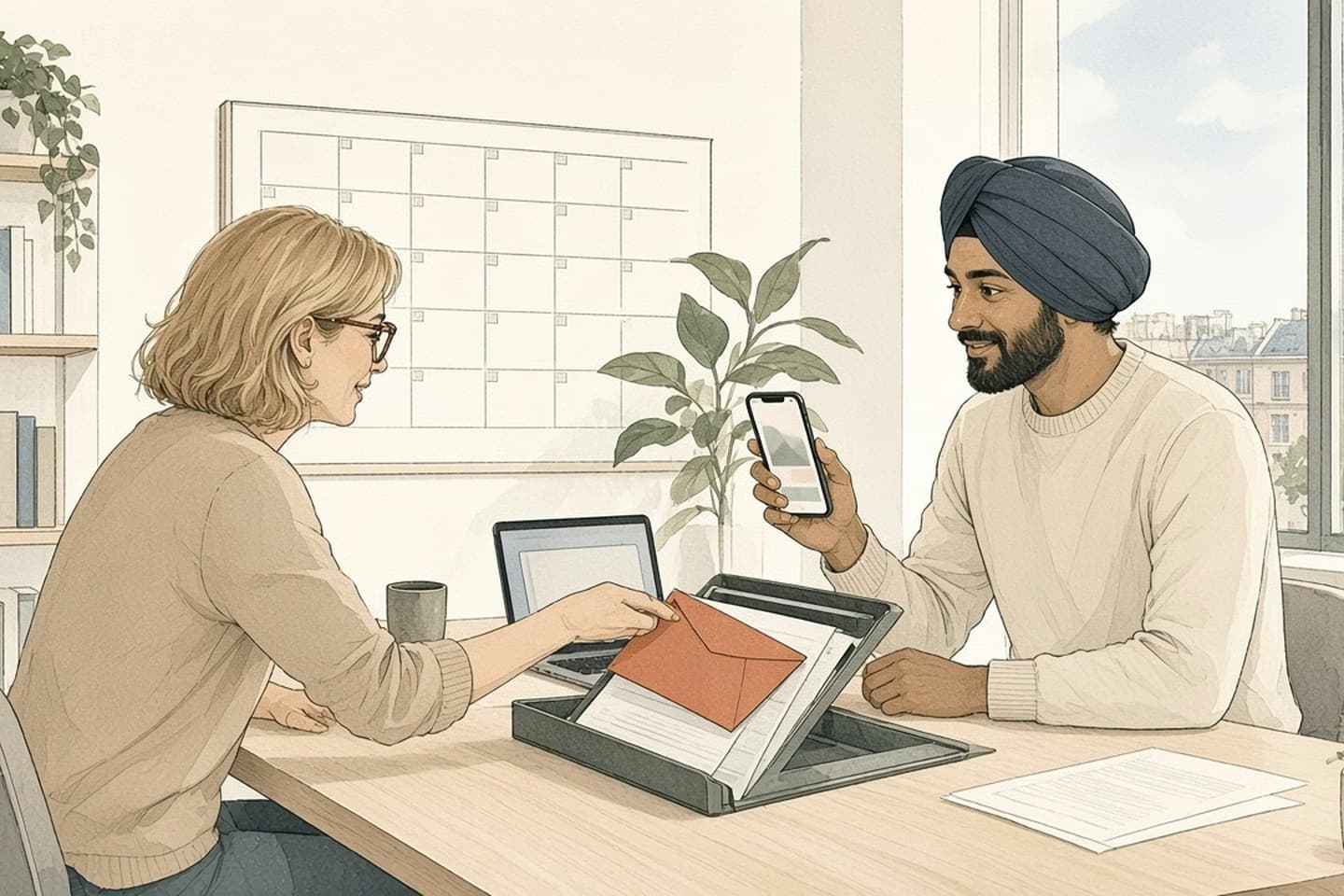
Google Workspace Studio added a "Wait until" step in November 2026 that pauses a flow for up to 14 days, or until a set day and time, then carries on, even inside conditions and loops. It's useful for follow-ups and reminders. The risk is that the world changes during the wait. After every Wait until, add a check that looks up the current state, such as a reply, a signed contract or a cancelled meeting, before the flow sends or changes anything.
Monday's flow, Thursday's email
Here's a small story you can probably finish yourself. On Monday morning someone sends a client a proposal. A Google Workspace Studio flow notices there's no reply by the afternoon and, using the new pause step, schedules a gentle nudge for Thursday at 9 a.m. On Tuesday the client replies, but to a colleague's thread. On Wednesday the contract is signed and filed. On Thursday at 9 the flow wakes up and sends: "Just checking you saw our proposal."
Nobody did anything wrong, exactly. The client is mildly confused, the colleague is embarrassed, and the flow did what it was built to do. It just did it with Monday's information.
Google added that pause step, called Wait until, on November 10. It lets a flow stop at any point and carry on later: next Monday at 8 a.m., three days from now at 5 p.m., or after a set number of hours, minutes and seconds, up to 14 days in total. It works inside conditional branches and loops. Before, Google says, multi-stage workflows with delays had to be split across separate scheduled flows. Now one flow can hold the whole sequence, with no code.
Sequence of work
Three days in the life of a waiting flow
- Mon 10 a.m.
Proposal sent. No reply by the afternoon, so the flow pauses until Thursday at 9.
- Tue 2 p.m.
Client replies to a colleague's thread instead: yes, let's go.
- Wed
Contract signed and filed in Drive.
- Thu 9 a.m.
Flow wakes and sends "Just checking you saw our proposal."
Why it's genuinely useful
This is a good addition, and the examples in Google's announcement are the right ones: a follow-up email a few days after a customer meeting, onboarding reminders spaced out over a new hire's first weeks, a team digest held until Monday morning. These are exactly the small, repeatable jobs that tend to live in someone's head or on a sticky note, and they get forgotten in busy weeks.
The Activity tab helps too. While a flow is paused it shows "Waiting until" with the date, time and time zone, and later "Flow resumed on" with the same detail. So you can see which flows are asleep, and when each one will wake.
There's no admin switch for it. It rolled out from November 9 to Rapid and Scheduled Release domains, on Business Starter, Standard and Plus, Enterprise Standard and Plus, and the Education editions Google lists. If your team uses Workspace Studio, people can already add it.
A flow that waits three days still remembers Monday. Make it check Thursday before it speaks.
The world keeps moving while the flow sleeps
A flow that waits three days still remembers Monday. Make it check Thursday before it speaks.
The fix is simple and it's the habit we'd build into every flow that uses the new step. Straight after each Wait until, add a step that looks at the world again before doing anything. Search the inbox for a reply from that address, including replies to other people. Look for the signed file in the folder. Check whether the meeting still exists on the calendar, or whether the new hire's start date moved. Then use a Check if step: if anything changed, stop, or send a note to the person who owns the relationship instead of a message to the client.
Only after that should the flow send or update anything. And have it leave a line in a sheet or a doc saying what it found and what it did, so when a colleague asks "why did that email go out?" the answer is a click away rather than a guess.
How the work moves
The same flow, with a second look
- Wait until
Pause for the follow-up window.
- Look again
Search for a reply from that address, a signed file, a changed calendar event.
- Check if
If anything changed, stop, or tell the owner instead of the client.
- Act
Only then send the nudge or update the record.
- Leave a trace
Note what the flow found and did, so a person can see why.
What "look again" means for a few common flows
The second look is different for each kind of flow, so it helps to write down what changed-state looks like before you build. A few examples from the kinds of flows small teams set up:
A review request a week after delivery. Before it sends, check whether the customer has opened a complaint, asked for a refund or sent the item back. Asking an unhappy customer for a five-star review is worse than not asking.
An unpaid-invoice reminder after ten days. Before it sends, check the payment record, not just the inbox. People pay without replying.
A new-hire reminder for day three. Before it sends, check the start date is still the start date. Offers get delayed and first days move, and a "welcome to your third day" email to someone who hasn't started is the kind of thing people remember.
A meeting follow-up. Before it sends, check the meeting actually happened and wasn't cancelled or moved.
In each case the check is one or two steps, and the question is the same: is the thing I'm about to say still true? If you can't think what the check would be, that's usually a sign the flow should notify a person rather than message a customer directly.
Three more things to settle before you rely on it
Who owns a sleeping flow? A flow that waits two weeks can outlast someone's holiday or their job. Decide whose name sits on each flow, and make sure the follow-ups it sends still make sense if that person is away.
Which clock is it on? The Activity tab records the time zone for each wait. If your team or your clients span time zones, check that "Monday at 8" means the Monday morning you intended, especially for messages to customers.
What happens to flows already waiting when you change the flow? Google's announcement doesn't cover it. Before you edit a flow that has paused runs in progress, try the change on a copy with a short wait, a few minutes, and see what the paused runs do. It's a quick test, and it's better than finding out on a Thursday morning.
Start with one flow
Pick the follow-up your team forgets most often, the one people apologise for in meetings. Build it with a Wait until, then the second look, then the action. Run it for two weeks with yourself copied on every message it sends. When you've stopped wincing at what it sends, widen it to the team.
The same pattern works anywhere you automate with delays, not only in Google's tools. Wait, look again, then act. It's a small habit that keeps a helpful reminder from becoming an awkward one.
If your follow-ups, reminders and handoffs run across Gmail, Drive, a CRM and a spreadsheet, and you want them to behave like one process, that's what we build in business automation. Talk to us.
Related work: Sutton|Place
We build alongside the people doing the work.
Bring us the problem you’re thinking about.