Google Play will block updates to apps that fail on foldables from April 2027. Run this ten-minute test on yours now
Open your Android app on a phone, turn it sideways, then unfold it. If the screen you were typing on resets, or the app sits in a narrow strip with empty sides, Google Play has just put a date on that problem.
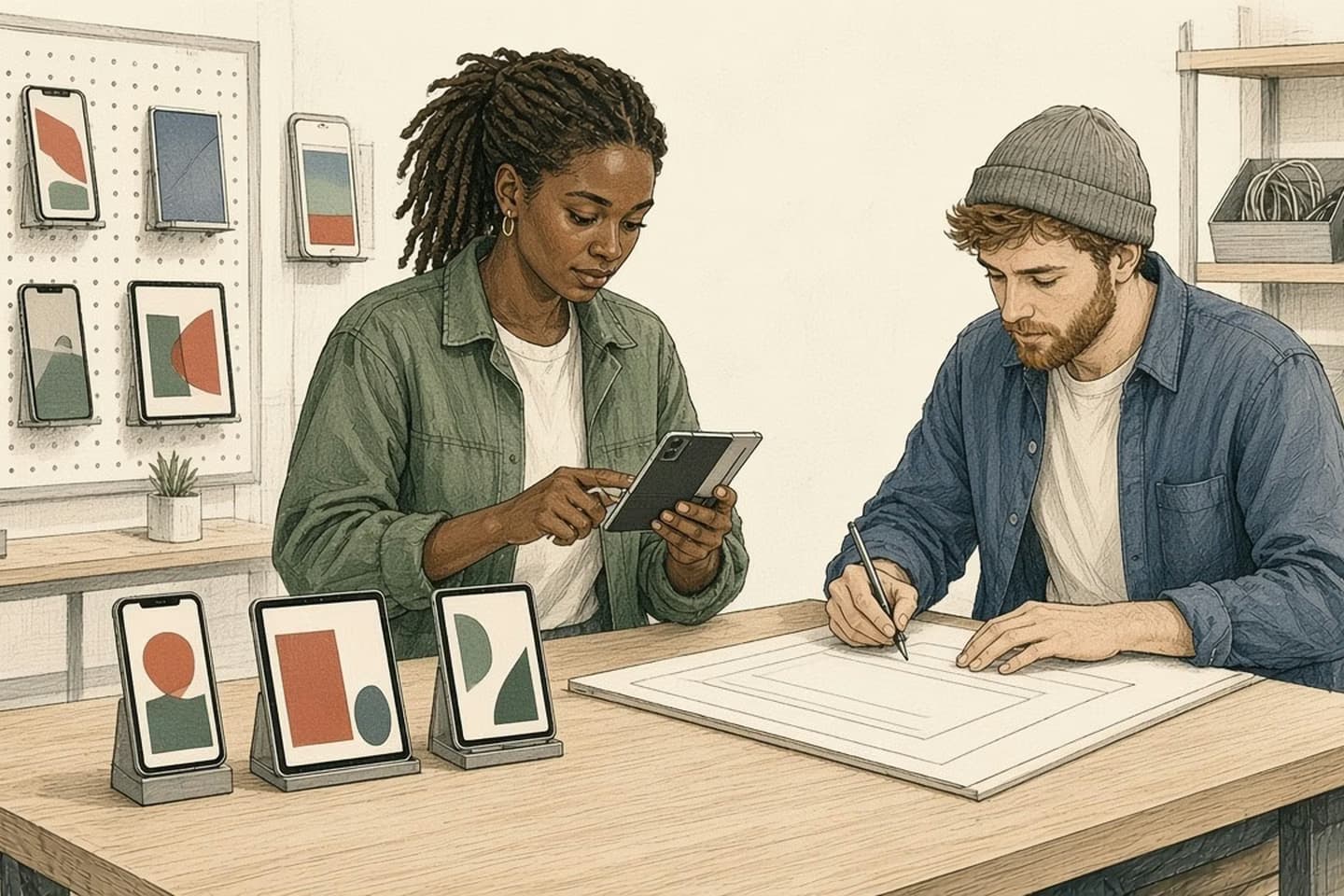
On November 18, 2026 Google announced that from April 2027 Android apps on Google Play must meet at least Tier 3 of its adaptive quality guidelines for foldables and include dedicated foldable screenshots, or they can't publish or update. From August 2027 new and updated apps must target API level 37. Test your app for state loss and letterboxing on a foldable emulator now, then plan the screenshots.
Start with the test
Take your Android app and a foldable emulator, or a real foldable if someone on your team owns one, and give yourself ten minutes. Start a form that matters, like checkout or a booking, and type half of something. Scroll a long list to the middle. Now turn the phone sideways and back, unfold it, and put the app in a split window. Then leave the app and come back.
What you're looking for is simple. Is your half-typed message still there? Is the list where you left it? When the screen got bigger, did the app use it, or did it sit in a narrow strip with empty sides? Did anything get cut off when you dragged the divider?
If everything held, you can stop reading and go and enjoy your afternoon. If any of it didn't, the rest of this note is about why that now has a date.
What Google announced
On November 18, 2026, Google published new adaptive quality standards for Google Play. Starting in April 2027, apps on Google Play will need to meet at least Tier 3 of Android's adaptive app quality guidelines for foldables. Google says apps that don't meet that bar will no longer be able to publish or update on Google Play, and may have reduced visibility on the store.
Tier 3 is the baseline, and Google calls it "adaptive ready." The post describes it as follows: the app fills the available display area without letterboxing or compatibility modes, and it keeps its state, such as scroll position, text input and media playback, through rotation, folding and unfolding, and resizing, while supporting multi-window. Tier 2 adds responsive multi-pane layouts and basic support for keyboard, mouse, trackpad and stylus. Tier 1 covers things like tabletop and book postures. Google says the framework will expand over time toward those higher tiers.
Two more dates in the same post. From April 2027, a new app or a listing update must include dedicated foldable screenshots, three of them, in addition to the standard two phone screenshots. And from August 2027, new and updated apps must target API level 37, which is Android 17, with the opt-outs for orientation and resizability restrictions on large screens removed. Existing apps that aren't updated stay downloadable.
Sequence of work
Google's dates
- November 2026
You can upload foldable screenshots in Play Console now.
- April 2027
New apps and updates must include dedicated foldable screenshots, and baseline Tier 3 adaptive quality takes effect.
- April 2027
Existing apps that aren't updated remain downloadable.
- August 2027
New and updated apps must target API level 37 (Android 17).
Your app can pass on a phone and fail on a fold.
Why the test matters
Your app can pass on a phone and fail on a fold. A phone is nearly always one size in one orientation, so many apps never meet the situations Tier 3 asks about. The classic one is state loss: when the screen changes shape, Android may rebuild the screen, and an app that didn't save what the person was doing starts over. For a social app that's annoying. For a booking or a payment form, it's a person losing three minutes of typing in front of a customer.
The other classic is the narrow strip. An app locked to a phone-shaped layout sits in the middle of a larger display with empty margins, or runs in a compatibility mode. Tier 3 says the app has to fill the display. August's change to API level 37 matters here too: Google says it removes the developer opt-outs for orientation and resizability restrictions on large screens, so apps that currently say "keep me portrait-only" will have fewer ways to say it.
None of this means your app needs a tablet redesign by April. Tier 3 is the minimum: fill the screen, don't lose state, behave in a window. We wrote recently about Android 17's permission changes, and this lands in the same year of Android work.
How the work moves
The ten-minute test
- Type
Start a form, type half a message, and scroll a list to the middle.
- Rotate
Turn it sideways and back. Is the text still there, and the scroll position?
- Unfold
On a foldable emulator, unfold. Does the app fill the larger screen, without bars at the sides?
- Resize
Put it in a split window and drag the divider. Does anything vanish or get cut off?
- Return
Leave and come back. Is the half-typed message still there?
The screenshot job
The screenshots are a separate task, and it's the one teams forget. Google's post says that from April 2027 you'll need three foldable screenshots next to the standard two phone ones when you publish a new app or update your store listing. It lists the shapes: an optional landscape 16:9 phone screenshot; for foldables with a 1:1 inner display, at least one screenshot of the unfolded screen; for foldables with a 4:3 inner display, at least one unfolded 4:3 screenshot and at least one portrait screenshot of the folded outer screen at 10:16, with an optional 16:10 landscape.
Google says you can upload foldable screenshots in Play Console now, under Grow, then Store presence, then Store listings, and that screenshots from the foldable emulators count. The practical point is that you can't capture a good foldable screenshot of an app that looks bad when it's unfolded. So the order is test first, fix what the test showed, then take the pictures.
What to ask your app team
If someone else builds your app, you don't need to run the test yourself. Send them three questions. Does the app keep what a person typed when the screen rotates, folds or resizes? Does it use the whole screen on a foldable, or a phone-shaped strip? And when do they plan to target API level 37, given Google's August 2027 date?
Ask for answers with screens attached, not reassurance. A short screen recording of the ten-minute test on a foldable emulator, with the date on it, is the most useful reply you can get. If the answer is "we haven't looked at foldables," that's an honest answer and a good one to have before April, not after an update gets stuck.
A short order of work
Run the ten-minute test this week, on the three or four screens that carry the money: sign-up, search, checkout or booking, and anything with a long form. Write down each failure with the step that caused it. Group them: lost state, bad layout, cut-off controls.
Then decide what to fix before April and what can follow. Lost state on a payment form goes first. A slightly awkward layout on a settings screen can wait. Put the screenshots on the calendar for after the fixes, and put API level 37 on the roadmap for the summer, with whoever owns your release process.
If your app was built a few years ago, or by a team that isn't around anymore, it's worth a short assessment before you commit a date. That's the sort of job we pick up in mobile applications work, and you can talk to us about it.
Related work: Spin:Market
We build alongside the people doing the work.
Bring us the problem you’re thinking about.