Google Play limits contacts and precise location from January 27. Redraw the invite and store-finder screens first
Most apps that ask for your whole address book only want one phone number, and most that ask for your exact location only want the nearest shop. From January 27, Google Play expects apps on Android 17 to ask for exactly that.
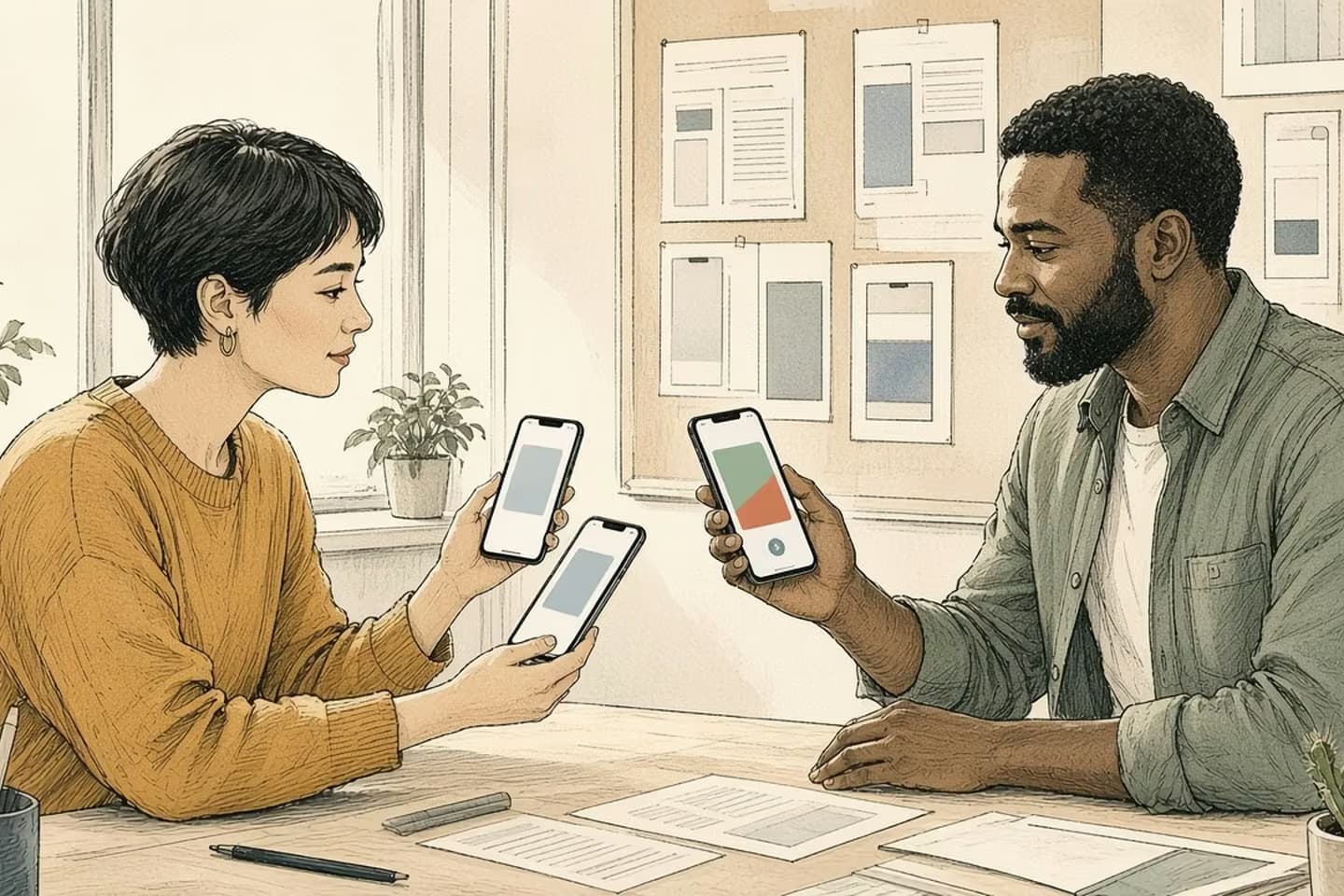
From January 27, 2027, Google Play requires apps targeting Android 17 (API 37) to use the Android Contact Picker unless broad READ_CONTACTS access is core to the app, and to use the location button for one-time precise location, with a Play Console declaration for anything broader. Start with the two screens most apps have, inviting a friend and finding a nearby store, and redraw them to ask for less before you write any declaration.
Two screens almost every app has
Think about two features that show up in a huge number of apps. One is "invite a friend": tap a button, see your contacts, pick someone, send them a link. The other is "find a store": the app asks where you are and shows the nearest branches.
Both, in many apps, ask for far more than they use. The invite feature requests the whole address book to show a list and send one message. The store finder asks for precise location, keeps it, and uses it to show three shops within ten miles.
Google Play is closing that gap. Its policy deadlines table lists January 27, 2027 for two changes announced in April: a new Contacts Permission policy and an updated Location Permissions policy. Both apply to apps that target Android 17, API level 37, and both point the same way. Ask for the narrowest thing that does the job, and explain yourself in Play Console if you need more.
What the rules say
For contacts, apps targeting Android 17 "may only request the READ_CONTACTS permission if the Android Contact Picker is not sufficient for your app to provide core functionality." The Contact Picker is a system screen where the person chooses contacts and your app receives only the fields it asked for, such as a phone number or an email. Since September, Play Console has been prompting apps that carry READ_CONTACTS to either submit a declaration or remove the permission. Google says a 30-day automatic self-extension will be available in Play Console.
For location, apps targeting Android 17 must use the Android location button for "one-time or infrequent" precise location. The button grants precise location for a single session, and it expires when the app session closes. To keep persistent access to ACCESS_FINE_LOCATION, you'll need a Play Console declaration explaining why coarse location or the button isn't enough. Google's own examples of where coarse location is enough include store locators showing the nearest branches, weather and targeted promotions.
The same date carries two smaller changes worth checking. READ_CALL_LOG can no longer be used for account verification by phone call, and geofencing is no longer an approved reason for a foreground service.
Most apps don't need the address book. They need one contact, once.
Redraw the screens before you write the declaration
Most apps don't need the address book. They need one contact, once.
Start with the invite screen. If the feature exists so a person can send an invitation to someone they choose, that's exactly what the Contact Picker is for. Google's guidance says apps that need contacts only for sharing, inviting or referring someone "typically should not request the permission." Redraw the flow so the button opens the picker, your app receives the one number or email that was chosen, and the permission comes out of the manifest.
Then the store finder. If it shows the nearest branches, coarse location will usually do. If it also offers walking directions or "I'm here" check-in, that's a one-time need for precise location, which is what the location button is for. Precise location kept in the background for later is the version that now needs a declaration.
Do the same for anything else in the app that touches contacts or location: tagging a photo with a place, sharing your location with a friend, a delivery tracker. Each one is either a picker, a button, coarse location, or a declaration.
Write the answer next to each feature in a short list your designers and developers share. It becomes the plan for the release, and later it's the record you'll want when Google asks why the app holds a permission.
Decision guide
Two screens, redrawn to ask for less
| Consideration | Today | From January 27 (Android 17 targets) |
|---|---|---|
| Invite a friend | Ask for the whole address book, then show a list | Open the Contact Picker; get only the chosen person's number or email |
| Find a store | Ask for precise location, kept for later | Use coarse location to list the nearest branches |
| Walking directions | Precise location granted once and kept | Location button: precise for this session only |
| Tag a photo | Persistent fine location permission | Location button when the person taps to tag |
When the app really does need more
Some apps genuinely need broad access. A dialer showing call history, call screening, accessibility tools, backup and restore, a CRM that updates notes across all contacts, friend matching in a social app: Google lists these as recognized use cases. If yours is one of them, the declaration asks two things: which user-facing features need the permission, and why the picker isn't enough.
Answer those from the screens, not from the code. Name the feature as a user would, and explain what fails without broad access in a sentence a reviewer can check by opening the app. If you can't write that sentence, the feature probably belongs in the first group.
Check what your libraries ask for
Not every permission in your app was put there by your team. Analytics, advertising, support chat and social sign-in libraries can add their own permissions to the app's manifest when it's built. The permission ends up in the app you publish either way, and Google Play's policies treat the SDKs in your app as part of your app.
So look at the final, merged manifest, not just the one in your code. Android Studio shows it in the Merged Manifest view. List every contacts and location permission there, and for each one, find out which library brought it in and what that library uses it for. Sometimes the answer is a feature you've switched off, and the permission can be removed in your manifest. Sometimes it's a feature you rely on, and you'll need the vendor's guidance, or a newer version of the library, before January.
Do this before the screen redesign, since it may turn up a permission nobody knew the app had.
Sequence of work
Google Play's dates for these permissions
- Apr 15, 2026
Contacts and location changes announced.
- Sep 2026
Play Console starts prompting apps with READ_CONTACTS to declare or remove it.
- Jan 27, 2027
Contacts and location rules enforced for apps targeting Android 17; a 30-day self-extension is available in Console.
- Aug 25, 2027
Manage Contacts and Local Network declarations follow.
Plan it with the rest of your Android 17 work
These rules bite when your app targets Android 17, and Google Play's annual target-level requirement is what usually forces that step. Fold the contacts and location work into the same release that raises your target, since the Contact Picker and the location button are Android 17 features; Google says the picker isn't backported to earlier versions. Ask your developer what the app will do on phones running older versions, and test both paths.
There's more on the way. In August 2027, Manage Contacts and Local Network permissions get their own declarations. We covered the local network change in Android 17 blocks your app from the store's printer by default.
If your app's permissions grew feature by feature and nobody has looked at them as a whole, our mobile applications team can audit them and redesign the screens that ask. Talk to us.
Related work: Spin:Market
We build alongside the people doing the work.
Bring us the problem you’re thinking about.