Shopify's delivery badge is won at the first carrier scan, not in your settings
Under Shopify's updated Shop Promise program, whether your products show Trusted delivery depends on one number: how long it takes from the moment someone orders to the moment a carrier first scans the box. You can't toggle that. You can only shorten it.
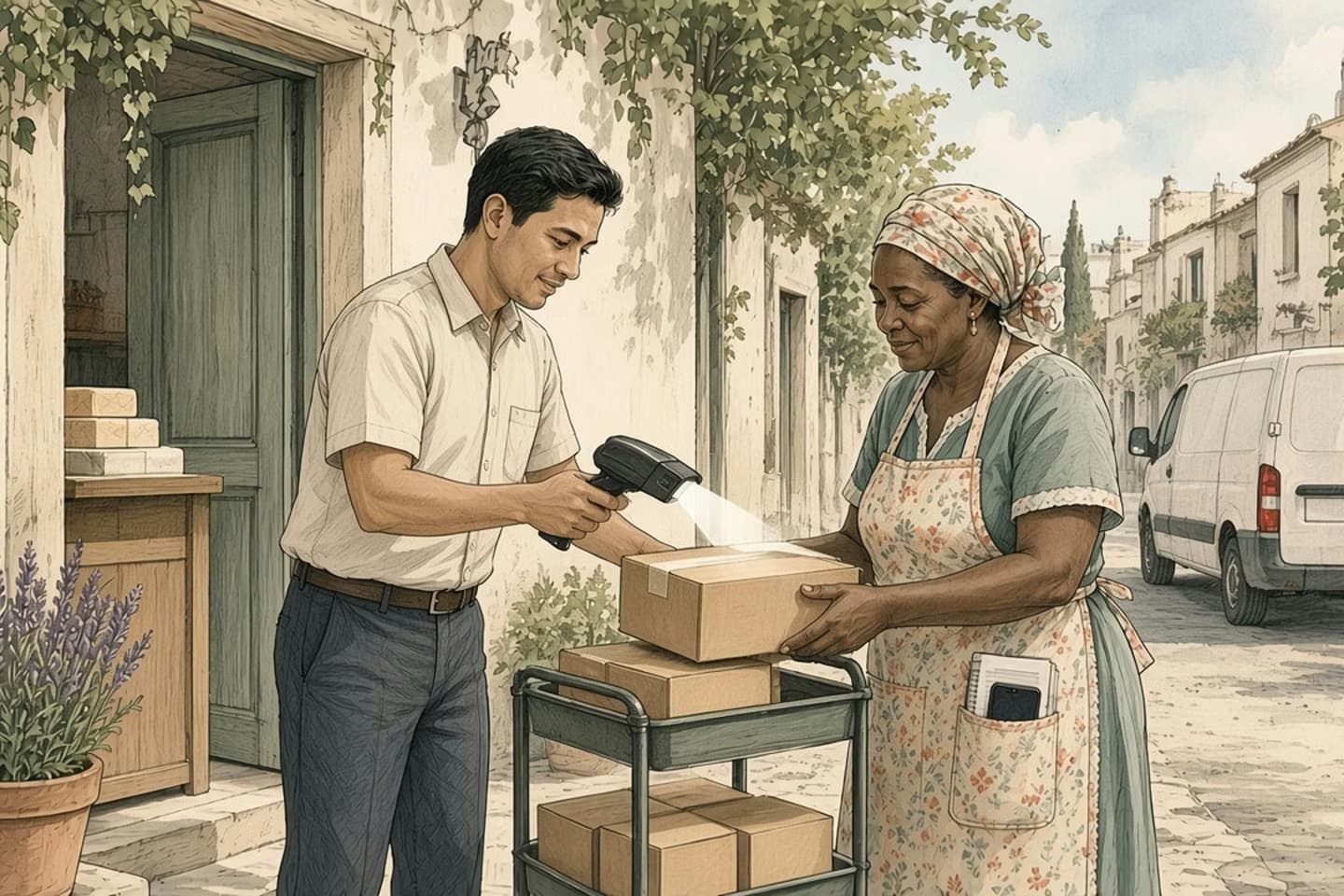
In Shopify's updated Shop Promise program, rolling out gradually, Trusted delivery is decided per product category by the time from order to first carrier scan, compared with a target, and it shows only with automated delivery dates on. Store eligibility also needs a US location, Shop Pay, tracking on at least 90% of eligible orders and good standing. Shopify says badged products rank higher in the Shop app and Shopify Catalog, so the work is on the packing floor: shorter order-to-scan times and labels that get scanned the same day.
The rule, in one sentence
Shopify is rolling out an updated Shop Promise program, gradually, store by store. Its Help Center now spells out how a product earns the Trusted delivery part of the badge, and it comes down to one measurement: the time from when an order is placed to when the carrier first scans the package, compared with a target for that product category.
That's the argument of this note. You can't win Trusted delivery in your settings. You can only win it on the packing floor.
That matters because most of the advice that circulates about badges is about configuration: turn this on, connect that app, fill in this field. For Shop Promise, configuration gets you to the starting line. If your store is still on the old program, Shopify says your current settings and the $5 Shop Cash limited guarantee apply until you're moved over, so there's time to look at the floor before the new rules reach you.
What the settings do and don't control
The program has two layers. First, the store has to be eligible. Shopify lists four requirements: at least one active US location that fulfills to the US, Shop Pay turned on, tracking information on at least 90% of eligible orders, and an account in good standing. Eligibility is checked every day. If you slip below a requirement, the status shows Paused and the badge disappears until you're back.
Second, each product is assessed for each benefit. The returns benefit follows your return rules: free return shipping with no restocking fee shows Free returns; returns with a cost show Returns accepted; final-sale items show nothing. That part really is a setting.
Trusted delivery isn't. Shopify says it's decided per product category, that every product in a category gets the same result, and that it only appears when automated delivery dates are turned on. Turning those on doesn't qualify a product by itself. The category still has to hit the target. And you can't pick which products show the badge.
Why care? Shopify's Fall '26 Edition says products with the badge rank higher in search in the Shop app and Shopify Catalog, and that eligibility for Shop Promise grew 20 times. More stores qualifying means the badge is less of a bonus and more of a baseline.
Decision guide
Setting or floor?
| Consideration | Decided by a setting | Decided by the floor |
|---|---|---|
| Returns benefit | Your return rules. | Not applicable. |
| Delivery dates shown | Automated dates turned on. | A prediction being available. |
| Trusted delivery | Automated dates must be on. | Order-to-first-scan time per category. |
| Store eligibility | Shop Pay and a US location. | Tracking on 90% of eligible orders. |
A printed label is a promise to ship. The carrier's scan is the proof.
Where the hours actually go
Between "order placed" and "first carrier scan" there are usually four gaps, and each one belongs to someone different.
Order to release. Fraud checks, payment holds, address validation, an app that batches orders every few hours. Orders can sit untouched for half a day before anyone can pick them.
Release to packed. Picking, packing and labeling. This is the part most teams already watch.
Packed to handed over. The box is labeled and on the shelf, waiting for the afternoon pickup, or the next one if it missed the cutoff.
Handed over to scanned. The carrier has the box, but the first scan happens at the depot that night or the next morning. A drop-off in a bin isn't the same as a scan at a counter.
Most teams know their pack time to the minute and have only a rough idea of the other three, because each one is owned by a different system: the order app, the warehouse and the carrier. Nobody gets a report that adds them up. Shopify, in effect, now does.
A printed label is a promise to ship. The carrier's scan is the proof. Shopify measures the proof. A store that prints labels at noon and has them scanned at the depot at 9 p.m. is measured at 9 p.m.
How the work moves
Order to first scan, in four gaps
- Order to release
Holds, checks and batching.
- Release to packed
Pick, pack and label.
- Packed to handover
Waiting for the pickup.
- Handover to scan
When the carrier first scans it.
What to change first
Start by measuring, not guessing. Shopify's Shop Promise page has a View shipping performance action that shows how quickly orders in each product category reach the carrier, and the shipping reports and Sidekick can break it down further. Shopify doesn't publish the targets, so look at which categories qualify and which don't, and work on the ones that don't.
Then go after the gaps in this order, because the early ones are usually the cheapest to close:
- Shorten the order-to-release gap. Look at every app or rule that holds orders. Batch more often. Let low-risk orders through automatically.
- Move the cutoff, not just the speed. If most orders arrive in the evening and pickup is at 3 p.m., a faster packer won't help. A second pickup, a later drop-off or a scheduled pickup might.
- Get a scan at handover. Drop parcels where they're scanned on receipt, or ask your carrier about pickup scans. A box that sits in a bin overnight costs you a day on the clock.
- Sort slow categories apart. If one category is slow because it's made to order or ships from a different location, accept that it may not qualify, rather than dragging everything else down with it.
What not to do
Don't switch to manual delivery dates to hide a slow category. Shopify says Shop Promise stays on, but Trusted delivery disappears everywhere. Don't promise faster shipping than your floor can deliver to win the badge either: the measurement is real, it's checked continuously and customers notice a missed date long before they notice a badge.
And watch the 90% tracking requirement. It's easy to break by accident, for example with local delivery, a 3PL that doesn't send tracking back or a batch of orders marked fulfilled by hand. If that slips, the whole store pauses, not just one category. Check the tracking coverage view weekly during peak, when temporary staff and extra delivery options make gaps more likely.
The short version
Turn on automated delivery dates. Set your return rules deliberately. Then spend your effort where Shopify is actually looking: the hours between the order and the first scan. We've written about what happens when the carrier cutoff beats the promise date; this is the same problem, now with a badge attached.
If the gaps between your order system, your warehouse and your carriers are where the time goes, our fulfillment operations team can map them and fix the handoffs. Talk to us.
Related work: Spin Market.
We build alongside the people doing the work.
Bring us the problem you’re thinking about.