Claude Meetings review: useful when a plan is the point of the call. Decide who owns what it drafts before you invite it
Most meeting assistants take notes and send a summary after everyone has left. Claude Meetings sits in the call as a named participant and starts building the plan while people are still talking. That's a real change, and it moves the hard question from "who takes notes" to "who owns what Claude wrote."
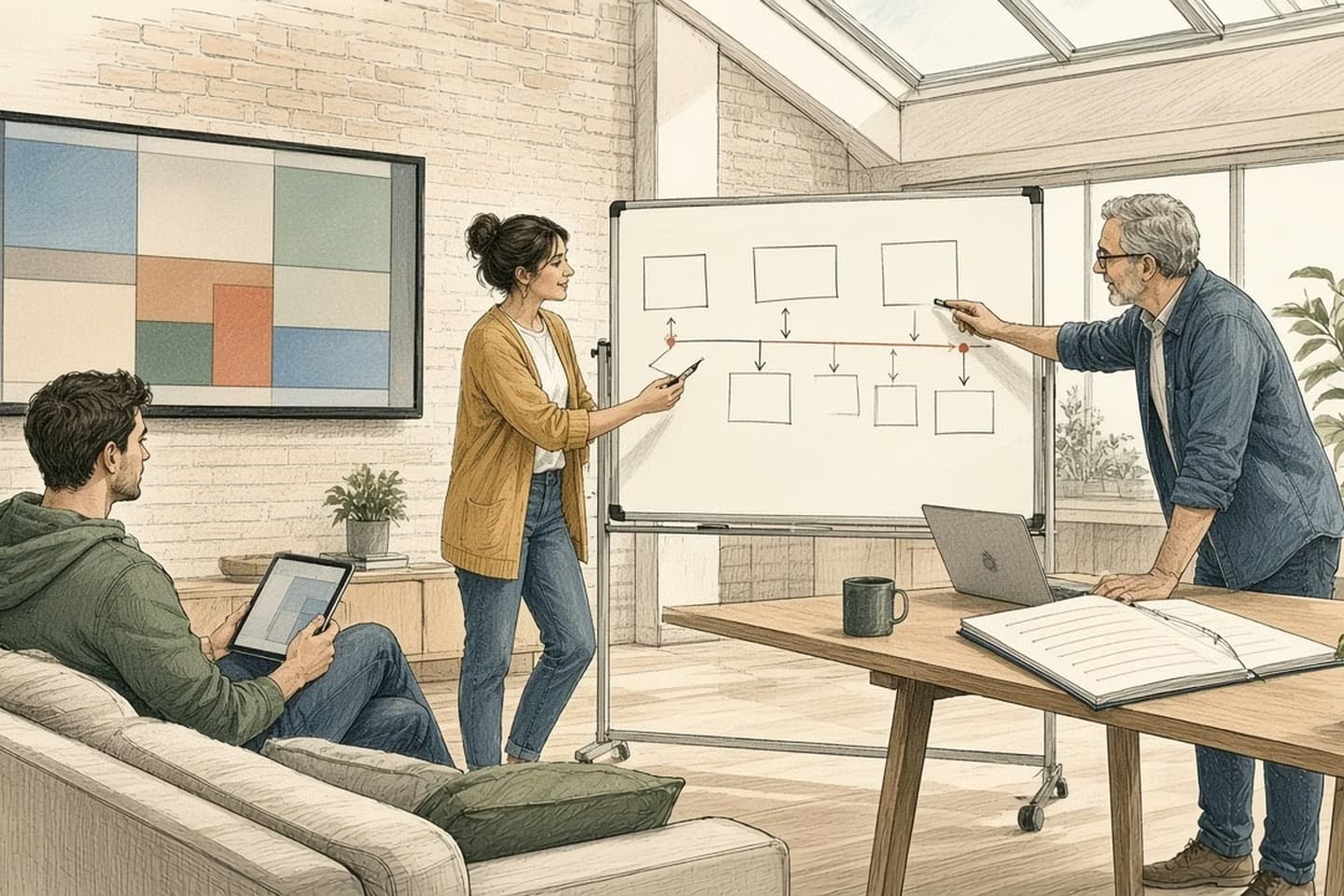
Claude Meetings, launched in beta on November 10, 2026 for Claude Team and Enterprise plans, is worth trying for internal planning calls on Google Meet. It joins as a visible participant, drafts plans and timelines during the call, answers questions from connected work apps and leaves notes and action items in Claude afterwards. It only works with Google Meet for now and stays out of calls with outside guests unless an admin allows it, so it isn't a client-call tool yet. Name an owner for its output before you rely on it.
What Anthropic launched
On November 10, Anthropic added Claude Meetings to its workplace features, alongside Claude Whiteboards, Claude Sheets and the renamed Claude Data. The idea is simple to describe. You add Claude to a video call as a visible participant, and it starts working on what you're discussing while you discuss it.
According to the launch coverage, Claude can draft the plan being talked through, map a timeline on a whiteboard, answer questions in the meeting chat and pull information from connected work apps, such as last year's figures. When the call ends, the notes, action items and anything it built are waiting in Claude.
It's a beta, on Team and Enterprise plans, and it works with Google Meet only at launch. Anthropic says other platforms and plans will follow. No separate price was announced.
Anthropic's own staff have reportedly been holding most of their meetings with Claude in the room for about two months. Its product lead for knowledge work said Claude mostly waits for instructions today and is expected to become more proactive over time.
Who it is for
The best fit is a team already paying for Claude Team or Enterprise, already on Google Meet, with a lot of internal calls whose real output is a plan: a launch timeline, a hiring budget, a list of what changes before the holidays.
Those are the meetings where the work usually starts after everyone hangs up. Somebody rewrites their notes into a document, someone else asks for last quarter's numbers, and the plan is ready two days later. If Claude has the draft on screen while people are still in the room, they can argue with it straight away. That's the useful part.
Picture a forty-minute call about holiday staffing at a small retailer. The operations lead asks Claude for last December's order volume by week, the store manager says which weekends are already short, and by the end there's a drafted rota plan and a list of open questions on the board. That's the meeting it is built for. The same team's weekly one-on-ones, or a sensitive conversation about a supplier, are not, and nobody should feel they have to invite it.
It's a weaker fit if your team lives in Zoom or Microsoft Teams, or if most of your important calls include customers, suppliers or clients.
Decision guide
In the call or after it
| Consideration | Claude Meetings (beta) | A typical after-call note-taker |
|---|---|---|
| When it works | During the call, as people talk | After the call, from the recording |
| What you get | A drafted plan, a timeline, answers in chat, notes and action items | A transcript and a summary |
| Where it runs | Google Meet only, for now | Often several meeting platforms |
| Outside guests | Stays out unless an admin allows it; leaves if one joins | Depends on the tool and your settings |
| Who must own it | Someone has to accept the plan it drafted | Someone has to turn the summary into work |
A plan that appears before the call ends still needs a person whose name is on it.
How it handles privacy and outsiders
This is where the design is careful, at least as described.
Claude identifies itself when it joins and posts a notice in the meeting chat, so nobody is recorded by a silent bot. It won't join a call that has external guests unless an administrator has authorized that. If an outside participant joins partway through, Claude leaves on its own.
That's the right default. It also means the tool is built for internal work. If your sales calls or client check-ins are where decisions get made, Claude Meetings, as launched, will mostly sit those out.
The other privacy question is what Claude can reach during the call. Connected apps are what make it useful ("pull last year's figures"), and they're also what decide whether a junior colleague can ask it for numbers they wouldn't normally see. Check how your connectors and permissions are set before you invite it to a meeting with a mixed room.
Where it falls short
One meeting platform. Google Meet only, for now. For many companies that ends the conversation until other platforms arrive.
A beta. Expect changes in what it does and how it behaves. Don't make it the only record of decisions that matter.
It drafts; it doesn't decide. A plan that appears before the call ends still needs a person whose name is on it. A drafted timeline can look finished, and people tend to accept what's on screen. Someone has to say "that date is wrong" out loud.
Action items land in Claude. The notes and action items live in Claude after the call. If your team tracks work in a project tool, a ticket system or a shared spreadsheet, somebody has to move them, or connect the tools so they move by themselves. Until then you have two lists.
It mostly waits to be asked. Today it responds to instructions more than it volunteers. Anthropic plans to change that; when it does, deciding what Claude may do unprompted becomes a policy question, not a settings question.
How it compares
Zoom, Microsoft Teams and Google Meet all ship their own transcription and summaries, and specialists such as Otter.ai, Granola and Fireflies compete for the same meetings. Those tools mostly work from the recording: you get a transcript and a summary after the call.
Claude Meetings tries to do the follow-up work inside the call. That's a different job, and it changes what can go wrong. A bad summary is annoying. A plausible plan that everyone nods at, with the wrong owner or the wrong date, can travel a long way before anyone notices. If what you need is an accurate record of who said what, a note-taker may still serve you better and works on more platforms. If what you need is the first draft of the plan before people leave, Claude is aiming at that.
For the wider question of what an agent is responsible for inside a team, our note on why an agent needs a job still holds, and start with the handoff is about the moment Claude's action items have to land somewhere real.
How the work moves
Before the first meeting you invite it to
- Pick the meeting type
Internal planning calls with a clear decision to make, not one-on-ones or client calls.
- Limit what it can open
Agree which connected apps it may read from during a call.
- Name the owner
One person accepts or edits what it drafted before the call ends.
- Move the actions
Action items go into the tool where work is tracked, with a person and a date.
Plain verdict
If you're on Claude Team or Enterprise and Google Meet, try it on a few internal planning calls. Decide in advance which meetings qualify, which apps it may read from, and who owns what it drafts. Keep client calls out until the guest rules and your own policy say otherwise.
If you're not on those plans or that platform, wait. Nothing here is urgent enough to switch tools for.
The piece most teams will need help with is the plumbing after the call: getting action items into the system where work is actually tracked, with an owner and a date. That's our business process automation work. Talk to us.
Related work: Spin:Market
FAQ
What is Claude Meetings?
Claude Meetings is a beta Anthropic launched on November 10, 2026 for Claude Team and Enterprise plans. You add Claude to a Google Meet call as a visible participant, and according to the launch coverage it can draft plans, map a timeline, answer questions from connected work apps, and leave notes and action items in Claude when the call ends. No separate price was announced.
Does Claude Meetings work with Zoom or Microsoft Teams?
Not at launch. It works with Google Meet only, and Anthropic says other platforms and plans will follow. If your team lives in Zoom or Teams, or most of your important calls include customers or clients, it's a weaker fit until that changes.
Can Claude Meetings join a call with outside guests?
Not unless an administrator has authorized it. Claude identifies itself when it joins and posts a notice in the meeting chat, and if an outside participant joins partway through, Claude leaves on its own. As launched, it is built for internal work, not client calls.
Is Claude Meetings a replacement for Otter, Fireflies, or other note-takers?
It's aimed at a different job. Zoom, Teams, Google Meet, Otter.ai, Granola, and Fireflies mostly work from the recording and send a transcript or summary after the call. Claude Meetings tries to draft the follow-up work inside the call. If what you need is an accurate record of who said what, a note-taker may still serve you better and works on more platforms.
Who should try Claude Meetings?
If you're already on Claude Team or Enterprise and Google Meet, the public record supports trying it on a few internal planning calls, after you decide which meetings qualify, which apps it may read from, and who owns what it drafts. If you're not on those plans or that platform, the note says nothing here is urgent enough to switch tools for.
We build alongside the people doing the work.
Bring us the problem you’re thinking about.